

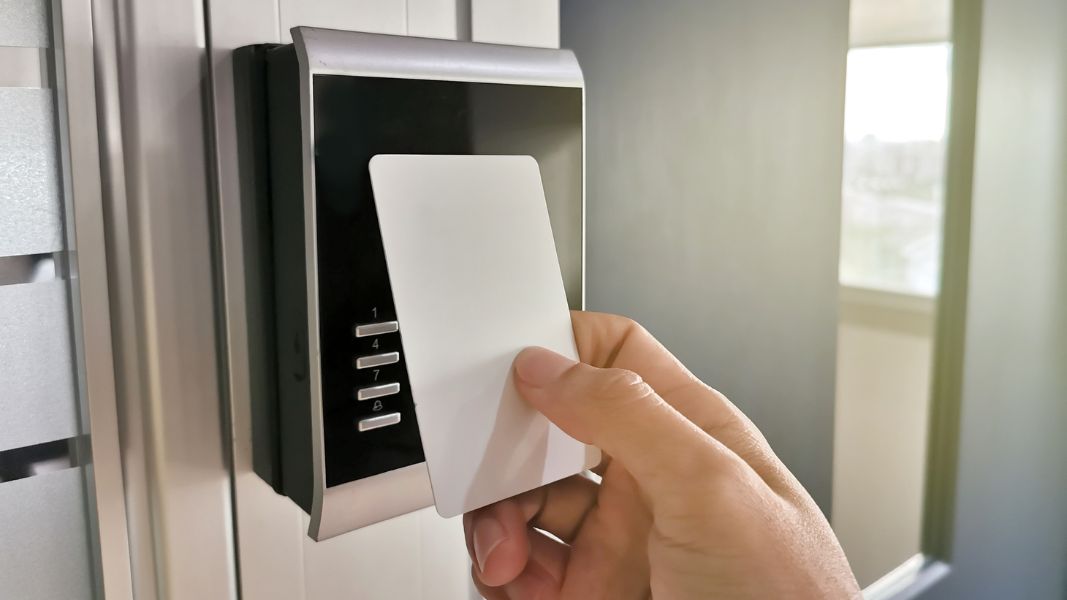
An RFID access control system uses radio-frequency readers at doors and gates to verify cards, fobs, or mobile credentials and grant entry. Current best practice pairs encrypted 13.56 MHz credentials with OSDP reader wiring, replacing cloneable 125 kHz proximity cards and unsupervised Wiegand connections.
For budgeting, reader hardware typically runs $150 to $500 per door, and a fully installed standard door runs about $1,500 to $5,000 once locks, controllers, and labor are added (2026 cost guide). The specification matrix below breaks those numbers down by credential technology.
This guide is written for the people who specify and buy these systems: property managers, building owners, IT and security directors, and low-voltage integrators. It focuses on what decides security and cost in practice: the credential standard, the reader-to-controller wiring, and what a reader quote leaves out.
If you’re comparing fob products specifically, see our guide to RFID key fob systems. This page covers the readers and the system around them.
How We Researched This
We built this guide from manufacturer datasheets (NXP, HID, Nedap), the Security Industry Association’s OSDP standard documentation, and current distributor pricing checked in October 2026. We combined that with Swiftlane’s experience across 3,000+ multifamily and commercial buildings and with input from property managers and integrators. Pricing reflects commonly reported 2026 market ranges; labor varies by region and runs higher in major metro markets.
Key Takeaways
- Specify the credential first. Unencrypted 125 kHz proximity cards can be copied with a sub-$30 handheld duplicator; DESFire EV2/EV3 and Seos credentials use AES-128 mutual authentication.
- Frequency alone doesn’t mean security. Older 13.56 MHz MIFARE Classic cards are also cloneable.
- An encrypted card read over plaintext Wiegand wiring still leaves an attack surface. OSDP with Secure Channel enabled closes it.
- Reader quotes rarely include door hardware, cabling, controllers, cloud licensing, or credential issuance. Budget for those separately.
- For vehicle gates, long-range UHF readers handle cars; door readers handle people.
Table of Contents
- What Is RFID Access Control?
- How Does RFID Actually Work?
- Comparing RFID and NFC Locking Systems
- Benefits of RFID Door Access Systems
- What Property Managers Need to Know About Radio Frequency Ranges
- Secure RFID Options for Modern Buildings
- How to Evaluate an RFID Door Access System for Your Property
- What Are Modern Alternatives to RFID Access Control?
- How Swiftlane Can Help You Adopt RFID Access Control
- Frequently Asked Questions
Related Posts
The RFID Specification Matrix
For anything new in 2026, specify encrypted 13.56 MHz credentials or mobile credentials at the door, and UHF only at vehicle gates. Here’s how the four technologies compare.
| Spec | 125 kHz Proximity (Legacy) | 13.56 MHz Secure Smart Card (DESFire EV2/EV3, Seos) | Mobile (NFC tap / BLE) | UHF (Long-Range) |
| Typical use | Legacy building entry | Modern commercial and multifamily doors | Resident and staff entry | Vehicle gates, parking, docks |
| Read range | Up to about 3 inches on a mullion reader | Up to about 4 inches | NFC: tap. BLE: configurable, from tap to hands-free approach | Up to about 33 ft, depending on reader and tag |
| Encryption | None | AES-128 mutual authentication | Encrypted; keys held in the phone’s secure hardware or wallet | Varies by tag; many transmit a fixed ID |
| Cloning risk | High: sub-$30 handheld duplicators | Very low when keys are properly managed | Very low | Low to moderate, depending on tag |
| Reader-to-controller link | Usually Wiegand | Specify OSDP with Secure Channel | Specify OSDP with Secure Channel (BLE/NFC is only the phone-to-reader link) | Often Wiegand; OSDP where supported |
| Per-reader cost | $150 to $300 | $250 to $500 | $300 to $500 | $2,000 to $4,500 |
| Per credential | $3 to $8 | $5 to $15 | $0 in hardware; licensing varies by platform | $8 to $20 per tag |
| Best for | Existing prox systems on a migration plan | Anything new in 2026 | Turnover-heavy properties | Perimeter vehicle access |
Sources: read ranges from the HID ProxPoint Plus datasheet, NXP MIFARE DESFire EV3 product page, and Gallagher’s Nedap uPASS integration page; encryption from NXP; duplicator price from IPVM’s card copier test. Door reader and encrypted credential prices are hardware only and align with Swiftlane’s 2026 cost guide. Prox credential, UHF reader, and UHF tag prices come from US distributor listings checked in October 2026 for HID ProxCard II cards, HID ProxKey III fobs, Nedap uPASS readers, and Nedap uPASS tags. Read range depends on reader model, credential format, and mounting surface.
How RFID Access Control Works: Reader Architecture
An RFID access control system is four components in a chain: credential, reader, controller, and door hardware. The reader only collects the credential. The controller makes the access decision and fires the lock. Most security and cost decisions come down to how those links are specified.
Here’s what happens when someone presents a card or phone at a door:
- Credential. A card, fob, sticker tag, or phone carries an identifier and, on secure credentials, cryptographic keys.
- Reader. The reader powers or wakes the credential, reads it, and, on encrypted credentials, authenticates it. It then passes the credential data down the wire.
- Reader-to-controller link. That data travels to the controller over Wiegand or OSDP wiring. This link is a separate security decision from the credential (see the wiring section below).
- Controller. The access controller checks the credential against its stored permissions: who, which door, and what schedule. It logs the event.
- Door hardware interface. If access is granted, the controller switches a relay that releases an electric strike, magnetic lock, or electrified lever. It also monitors a door position switch and a request-to-exit device.
- Management software. A cloud or on-premise platform pushes permission changes to controllers and collects the logs.
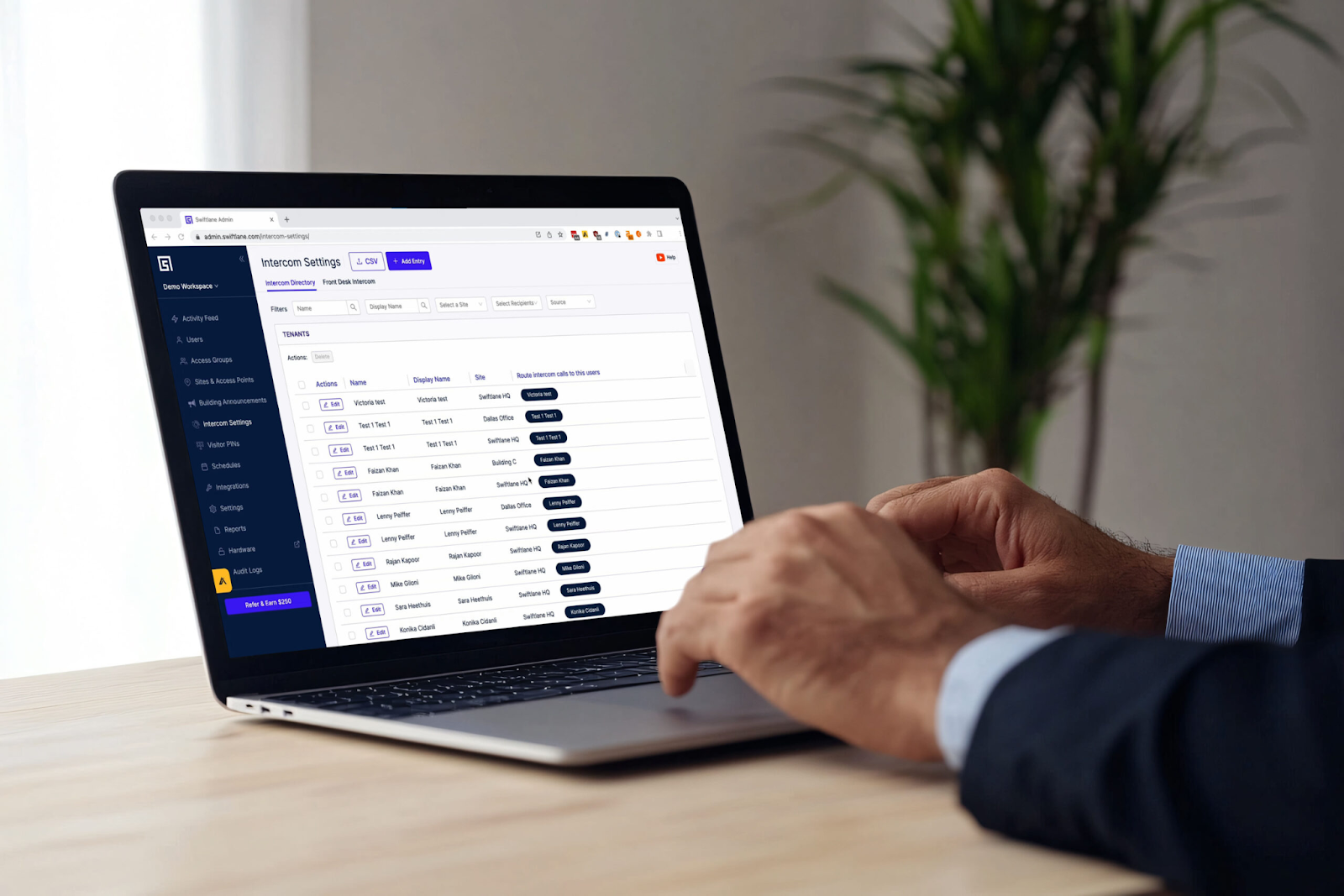
Two practical points follow from this architecture.
First, features like instant revocation, schedules, and audit trails come from the controller and management software, not from RFID itself. A standalone RFID lock without network management can’t revoke a lost card remotely.
Second, a well-designed controller stores credentials and makes access decisions locally. Doors keep working during an internet outage; what pauses is remote management and event syncing.
Lock hardware selection (strikes, maglocks, and their egress requirements) is its own topic. For it, see our guide to key fob door locks.
Passive, Active, and Semi-Passive Credentials
Nearly every door credential is passive. It has no battery. The reader’s electromagnetic field powers the chip just long enough to respond. That’s why cards and fobs last for years without maintenance.
Active credentials have a battery and transmit on their own. That gives them long range, which is useful for some vehicle and asset-tracking systems. The tradeoff is cost and battery replacement.
Semi-passive (battery-assisted passive) tags use a battery to power the chip or sensors but still wait for the reader’s signal. They show up in industrial and sensor applications more than in building access.
Frequency Bands in Plain Terms
Building access uses three bands:
- 125 kHz (low frequency). Legacy proximity cards and fobs. Short range and typically unencrypted.
- 13.56 MHz (high frequency). Smart cards and Near Field Communication (NFC) phones. Security depends on the card family, not the band.
- UHF (roughly 860–960 MHz). Long-range vehicle tags at gates and garages.
Microwave-band RFID exists for tolling and specialized tracking but rarely appears in building access control.
Credential Security: The 125 kHz vs 13.56 MHz Decision
The credential is the first thing to specify, because it sets the ceiling on how secure the rest of the system can be. The practical rule: if a vendor quotes 125 kHz credentials for new construction in 2026, that’s a spec gap, not a cost saving.
Why 125 kHz Proximity Is Cloneable
Most 125 kHz proximity formats aren’t encrypted. The card simply broadcasts its ID whenever a reader powers it. In IPVM’s test, a copier bought for $30 duplicated common HID Prox, ISOProx, EM4100, and AWID formats. The copies were indistinguishable from factory originals.
The operational damage goes beyond one unauthorized entry. A cloned credential logs every entry under the original holder’s name, so the audit trail stops telling you who actually came in. Once cloning is suspected, the fix is to deactivate and reissue credentials. If cloning is widespread, the fix is new readers and encrypted credentials.
Not Every 13.56 MHz Card Is Secure
Moving to 13.56 MHz only helps if you choose a secure card family:
- MIFARE Classic. Uses Crypto-1, which has been broken. These cards can be copied and shouldn’t be specified for new projects.
- MIFARE DESFire EV2/EV3. NXP’s DESFire EV3 uses hardware AES with 128-bit keys and holds Common Criteria EAL5+ certification. It complies with ISO/IEC 14443A, the same standard NFC phones use.
- HID iCLASS SE and Seos. HID’s secure credential platforms, common in enterprise and government buildings. HID positions them, with DESFire EV3, as the migration target from Prox and legacy iCLASS.
Encryption is only as strong as key management. Ask the vendor whether credentials use site-specific keys or a shared default, and who holds those keys if you change providers.
Mobile Credentials: NFC vs BLE
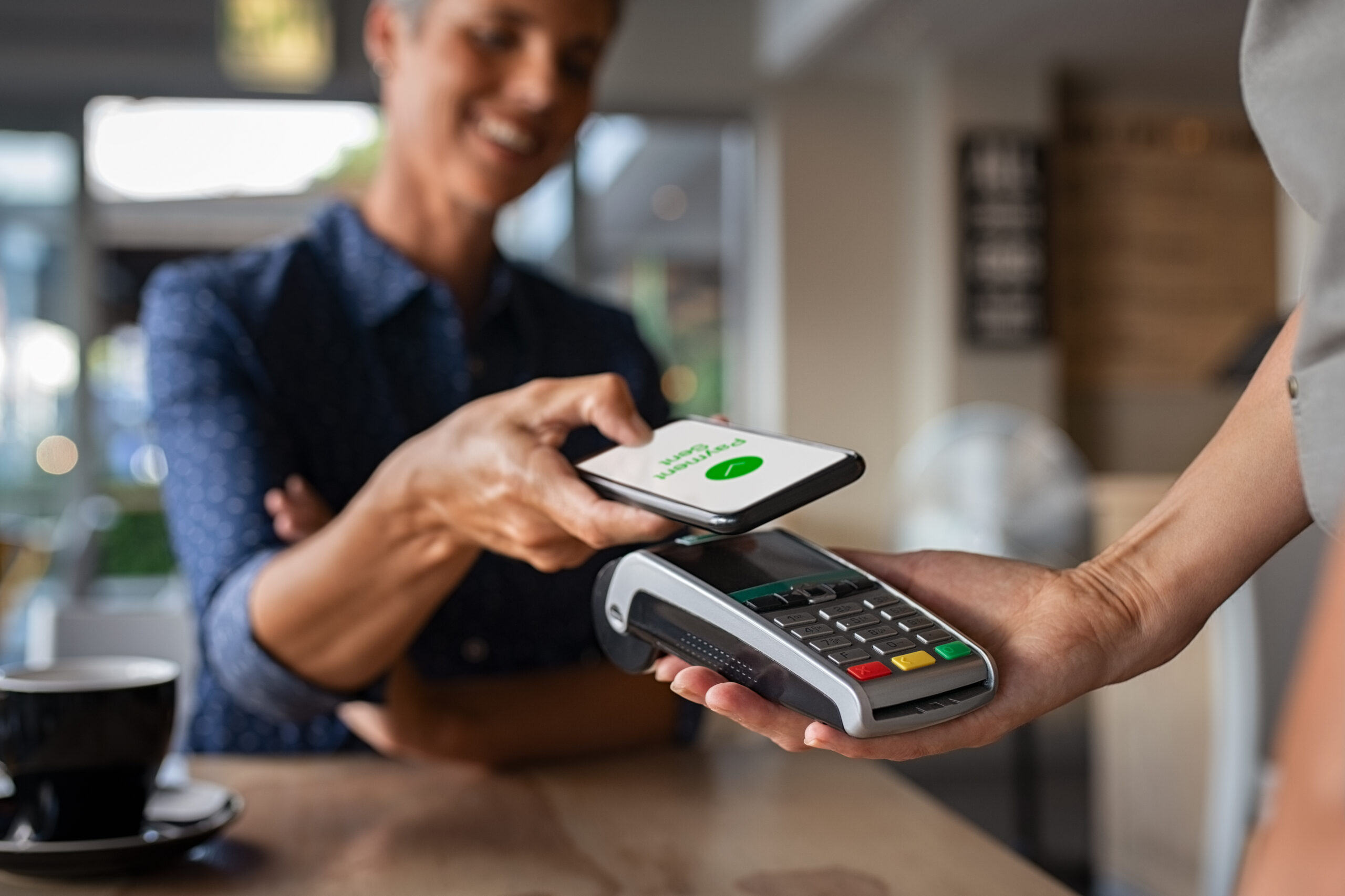
Phones connect to readers in two ways, and the difference matters for the user experience:
- NFC works like a contactless card. The user taps a phone or watch to the reader, often through a digital wallet.
- Bluetooth Low Energy (BLE) runs through an app. Depending on the reader, it can work with a tap, from a few feet away, or hands-free as the user approaches.
Both are generally stronger than physical cards. The credential sits behind the phone’s own lock screen and biometrics, and it can be revoked remotely without collecting anything. Mobile credentials also remove credential inventory, which is why they suit high-turnover properties.
Migrating Without a Hard Cutover
You rarely need to replace every card on day one. Multi-technology readers read legacy 125 kHz cards and secure 13.56 MHz or mobile credentials at the same time. Multi-technology cards also exist: HID’s DESFire EV3 + iCLASS + Prox credential works with old and new readers, so readers can be upgraded in phases. Set an end date for 125 kHz acceptance, then turn it off at the reader.
Reader Wiring: Wiegand vs. OSDP
The wire between reader and controller is a second, separate security layer. A DESFire card authenticated at the reader can still be sent to the controller as plaintext over Wiegand. Anyone with access to those wires can capture and replay it. Specifying OSDP with Secure Channel closes that gap.
| Factor | Wiegand | OSDP (SIA OSDP / IEC 60839-11-5) |
| Direction | One-way, reader to controller | Bidirectional, command and reply |
| Encryption | None | AES-128 with Secure Channel enabled |
| Supervision | None; a cut or swapped reader can go unnoticed | Continuous; reports reader offline and tamper |
| Typical max cable run | About 500 ft (150 m) | About 4,000 ft (1,200 m) over RS-485 |
| Wiring | Dedicated multi-conductor home run per reader | Twisted pair; multiple readers can share one bus |
| LED, buzzer, keypad control | Extra conductors | Carried in the protocol |
Sources: SIA OSDP v2.2.2 announcement (Oct. 2024); cable runs from Galaxy Control Systems’ reader wiring guide and the HID ProxPoint Plus datasheet; bus wiring and supervision from Coram’s 2026 OSDP guide.
Why Wiegand Persists
Wiegand dates to the 1980s. Nearly every reader and controller still supports it, so it’s the default in most existing buildings. That compatibility is its only real advantage today.
What OSDP Adds
OSDP is maintained by the Security Industry Association (SIA) and published internationally as IEC 60839-11-5. The current SIA release is version 2.2.2, from October 2024. SIA recommends it for installations that need advanced security, including government and other high-security settings.
Three specification details matter:
- Secure Channel must be on. OSDP without Secure Channel is supervised but not encrypted. Write “OSDP with Secure Channel enabled” into the spec, not just “OSDP.”
- Keys must leave install mode. Confirm the integrator replaces the installation key with a site-specific key at commissioning.
- Look for SIA OSDP Verified products. SIA’s verification program tests whether devices actually conform to the standard.
Retrofit Considerations
Existing Wiegand cabling can sometimes carry OSDP on shorter runs, but RS-485 is designed for twisted-pair cable. Check the reader and controller manufacturers’ cabling specs before reusing old wire. Many current readers ship in Wiegand mode. OSDP may be enabled through configuration or a firmware update, or it may require a separate OSDP-designated model, so confirm per SKU. Ask which mode will actually be enabled at handover.
2026 RFID Access Control Costs

In 2026, an RFID reader costs $150 to $500 depending on credential technology. A fully installed standard door runs about $1,500 to $5,000, because the reader is one of the smaller line items. Here’s how a per-door budget breaks down.
| Component | Typical 2026 cost | Priced per | What drives the range |
| Reader | $150 to $500 | Door | 125 kHz prox (low end) vs. encrypted 13.56 MHz, mobile-ready, or OSDP reader (high end) |
| Credentials | $5 to $15 for encrypted 13.56 MHz fobs or cards | Credential | Card family, format, and order volume; mobile credentials have no hardware cost |
| Access controller | $200 to $800 | Door | Door capacity, onboard storage, and features |
| Locking hardware | $100 to $400 | Door | Electric strike or maglock; electrified crash bars and mortise locks cost more |
| Installation labor | $1,000 to $3,000 | Door | Cabling, mounting, door prep, code compliance, and commissioning |
| Cloud software | $5 to $10 | Door, per month | Remote administration, audit logs, mobile unlock |
Ranges match Swiftlane’s 2026 key fob entry system cost guide. Labor runs higher in major metro markets. For one reference point, HID’s Signo 20 smart card reader listed at $282.99 on CDW in October 2026.
Reader and Credential Costs
The reader premium for secure technology is small next to the rest of the door. In the table above, moving from a basic prox reader to an encrypted, mobile-ready reader adds at most a few hundred dollars per door. Labor alone is $1,000 to $3,000 per door.
Credential costs scale with headcount, not doors. A 100-unit property issuing 200 encrypted fobs at $5 to $15 each spends about $1,000 to $3,000 upfront, plus replacements every year. Mobile credentials remove most of that inventory. But some platforms license mobile credentials per user, so confirm the pricing model before comparing quotes.
What’s Not in the Reader Quote
A reader price isn’t a door price. Make sure every quote states whether it includes:
- Door hardware. Strikes, maglocks, electrified exit devices, door position switches, and request-to-exit devices.
- Cabling and labor. Often the largest line item, especially in older buildings that need walls opened or conduit run.
- Controllers and power. Controllers, power supplies, and battery backup for each door or door group.
- Cloud licensing. Monthly fees per door, per user, or per unit, depending on the platform.
- Credential issuance. The credentials themselves, enrollment readers, and staff time to program and hand them out.
Turnkey Project Budgets
Installed, a standard door runs about $1,500 to $5,000. High-traffic perimeter entrances run $5,000 to $6,000 or more. Typical 2026 projects range from $4,500 to $8,500 for a two-door office to $28,000 or more for a 100-unit multifamily property with gates and amenities. Vehicle gates add a UHF reader and tags on top of the gate operator. For full project scenarios and 3- to 5-year ownership costs, see our key fob entry system cost guide.
Deployment by Application
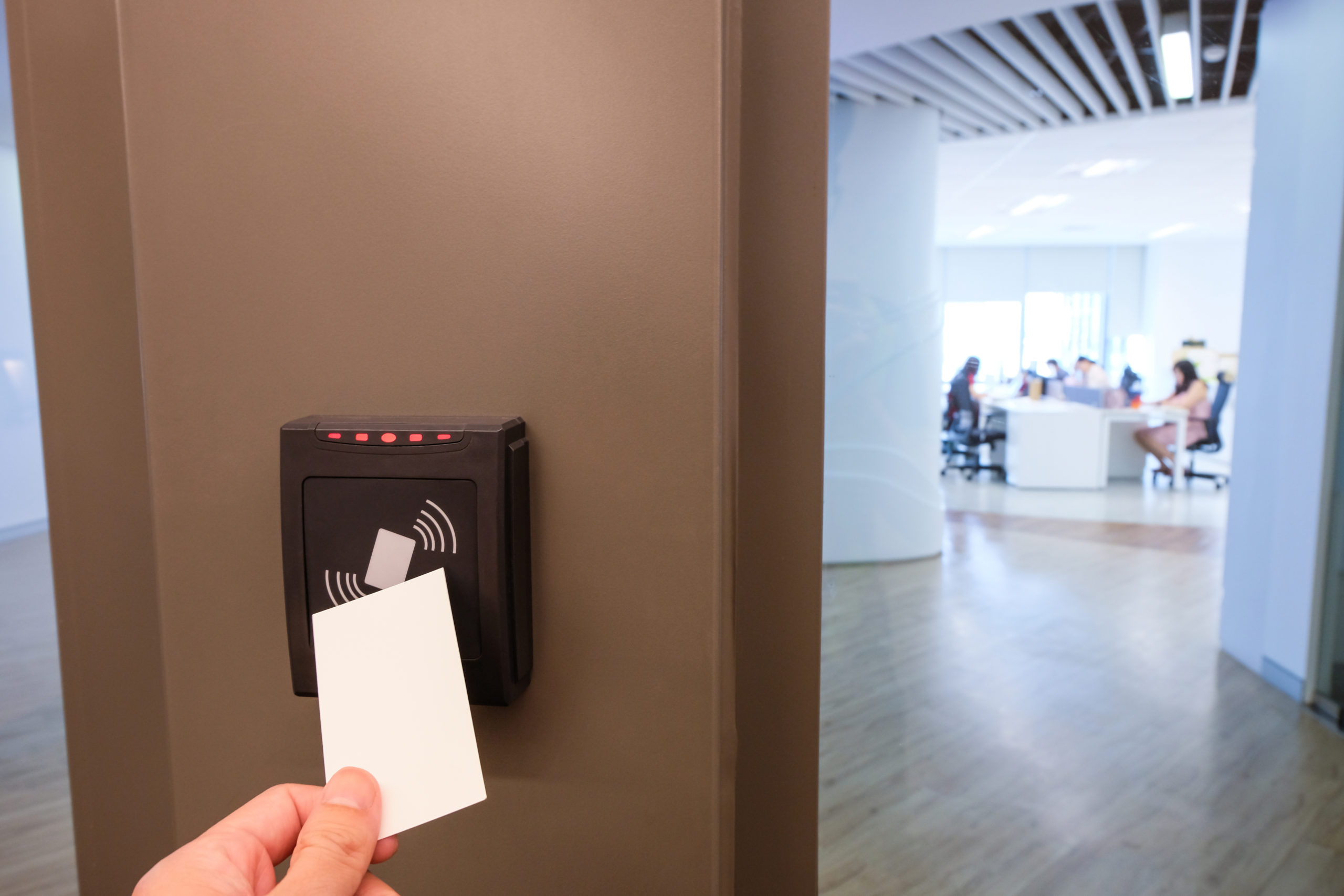
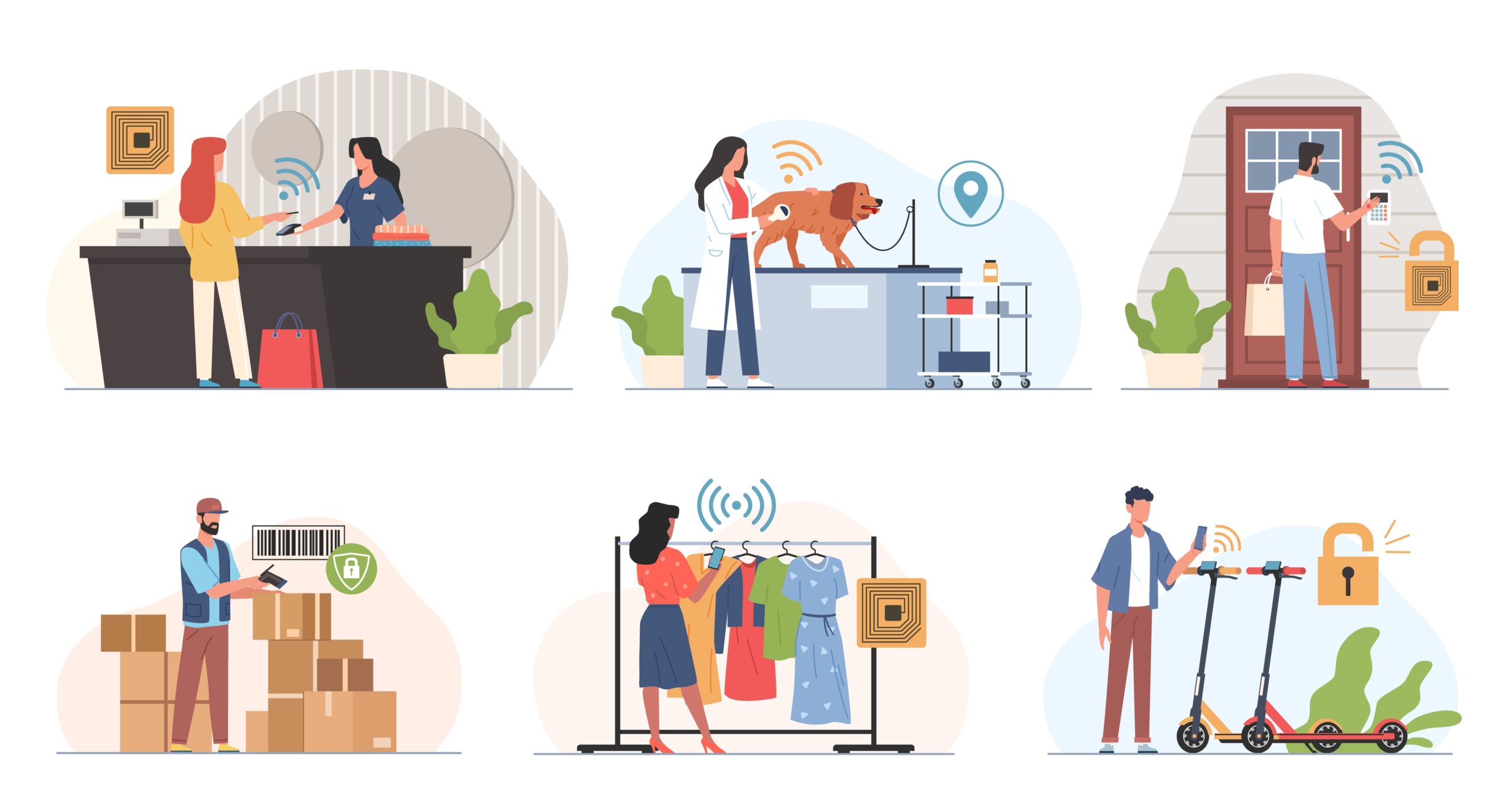
The same platform usually runs every access point, but each location needs a different reader. Door readers handle people at close range. UHF readers handle vehicles at a distance. Elevators and amenities add scheduling rules on top.
Building Doors
Perimeter entrances, lobbies, stairwells, and back-of-house doors are the core of any deployment. Mullion readers fit narrow storefront frames. Wall-mount and keypad readers suit standard doors and add a PIN as a second factor.
Exterior readers should carry a weather and impact rating suited to the location. At every door, the reader integrates with the lock through the controller’s relay. The egress hardware and code requirements are covered in our guide to key fob door locks.
Gates and Vehicle Entries
Vehicle gates, barrier arms, and parking garage doors typically use long-range UHF readers paired with passive windshield tags. Drivers don’t need to stop and reach for a card. The reader identifies the tag as the car approaches and signals the controller to open the gate. Readers such as Nedap’s uPASS Go, which replaced the uPASS Reach, identify vehicles at up to about 33 ft (10 m), depending on the tag and mounting. Name-brand UHF vehicle readers typically list for about $2,000 to $4,500, and windshield tags for about $8 to $20 each.
Four design points come up on most gate projects:
- Range and lane geometry. Too much range can open the gate for a car in the next lane or still in the street. Read zones should be tuned to the approach, not maximized.
- Vehicle vs. driver. A windshield tag identifies the car, not the person driving it. Sites that need driver identity add a door-style reader or keypad at a pedestal.
- Tag removal. Tamper-evident tags break if peeled off, which discourages moving one tag between vehicles.
- Visitors and deliveries. UHF tags only work for registered vehicles. Guests need a gate intercom, temporary PIN, or mobile pass.
Pedestrian gates use standard door readers. The gate operator itself is governed by its own safety standards, including UL 325. For gate operators, loop detectors, and full system design, see our RFID gate access control system guide.
Elevators
Elevator readers restrict which floors a credential can select or call. Integration runs either through relays wired to each floor’s call button or through a higher-level interface with the elevator controller. Access restrictions must never interfere with firefighters’ emergency operation, which the elevator controller handles under ASME A17.1. Integration details are in our elevator access control guide.
Amenities
Gyms, pools, roof decks, package rooms, and coworking spaces benefit most from schedule-based permissions. Hours can differ from the main entrance, and access can be suspended for specific residents without affecting their building entry. Usage logs also help size staffing and maintenance.
Events and Temporary Access
Contractors, move-in crews, and event guests need access that expires on its own. Mobile passes and temporary PINs work well here because nothing has to be collected afterward. Issuing physical cards for one-day access is where unreturned credentials pile up.
Evaluating and Procuring an RFID System
Write the specification in the order the system is built: credential, reader link, controller, door hardware, migration. Comparing finished quotes before those decisions are made usually means comparing different systems.
1. Specify the Credential Standard First
Name the card family, not just the frequency: for example, “MIFARE DESFire EV3 or HID Seos, site-specific keys.” Add the mobile options you want (NFC wallet, BLE app, or both). A spec that only says “13.56 MHz” lets a bidder quote MIFARE Classic.
2. Specify the Reader Protocol
Require OSDP with Secure Channel enabled at handover. If a reader is OSDP-ready but not yet running OSDP, record what will run on day one. Confirm whether the switch happens through a firmware update or requires an OSDP-designated model, and when it’s planned.
3. Confirm the Controller Platform
Check that controllers store credentials and make access decisions locally, so doors keep working through an internet outage. Confirm the platform accepts standard Wiegand and OSDP readers, so you aren’t locked into one reader vendor. Then decide between cloud and on-premise management.
4. Specify Door Hardware Separately
Locks, exit devices, and door position switches are part of the life-safety design. Their requirements come from the adopted building and fire codes, so list them as their own line items. The local authority having jurisdiction (AHJ) makes the final call on what each door needs.
5. Plan the Credential Migration
If you’re replacing a prox system, decide how long readers will accept both technologies, who gets new credentials first, and the date 125 kHz is switched off.
10-Question Procurement Checklist
Ask every bidder:
- Which credential families will the readers accept, and which will be enabled at handover?
- Will credentials use site-specific keys, and who holds them if we change providers?
- Will readers run OSDP with Secure Channel on day one? If not, when?
- Are the readers SIA OSDP Verified?
- Do controllers store credentials and decisions locally during an internet outage?
- What happens at each door during a power outage, and what battery backup is included?
- Does the quote include door hardware, cabling, controllers, power supplies, and commissioning?
- How is software priced: per door, per user, or per unit? Are mobile credentials licensed separately?
- Can credentials be issued and revoked remotely, and does the platform integrate with our property management software (PMS)?
- Can existing readers or wiring be reused, and what has to be replaced?
Alternatives and Complements to RFID
Most modern systems don’t replace RFID outright. They run other credential types on the same platform, so each door or user group gets the method that fits.
Biometric Readers
Face and fingerprint readers verify the person, not just the object they carry, which stops credential sharing. They require enrollment and careful handling of biometric data. Illinois BIPA, Texas Business and Commerce Code § 503.001, and Washington RCW 19.375 set consent and retention rules for some deployments. Our face recognition door access guide covers how these readers work and what to plan for.
Mobile-Only Access
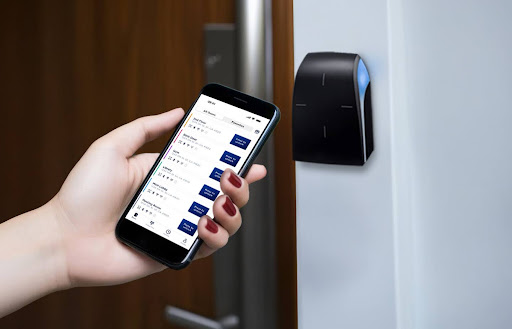
Some properties go fully mobile and skip physical credentials. In practice, most keep a small supply of encrypted fobs for residents without smartphones and for dead-battery situations. That makes mobile-first with fob backup the more common design.
PIN and Keypad Entry
Keypads work well for temporary visitor and vendor codes. They also serve as a second factor on top of a card for sensitive rooms. On their own, shared PINs spread easily, so codes should be unique per person and expire on schedule.
License Plate Recognition
At vehicle gates, license plate recognition (LPR) cameras can replace or back up UHF tags. LPR needs no tag distribution, but read accuracy depends on lighting, plate condition, and weather.
Video Intercoms
A video intercom handles the people RFID can’t: visitors, deliveries, and service providers. Combined units also include a credential reader, so one device covers residents and guests at the entrance.
Where Swiftlane Fits
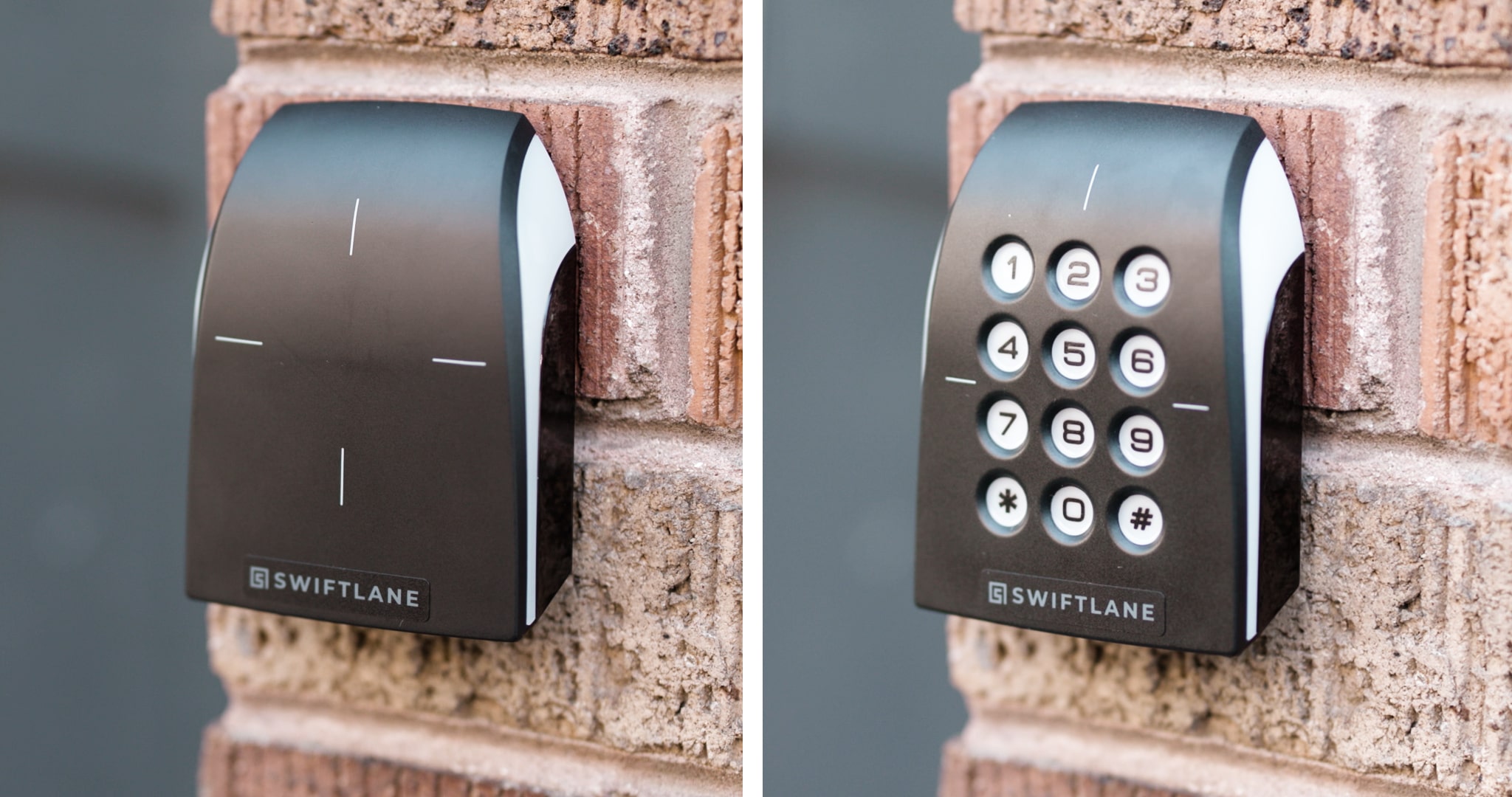
Swiftlane is a San Francisco-based access control company. It makes its own readers, controllers, and video intercoms and manages them from one cloud platform. For RFID projects, that means card, mobile, PIN, vehicle, and face access can run on the same system and the same dashboard.
- Access control readers. The Z10 and Z20 readers support DESFire key fobs, PIN entry, Apple Wallet and Google Wallet, Bluetooth unlock through the Swiftlane app, and remote unlock. For a specification, confirm the supported DESFire generation with Swiftlane. The readers are built to reuse existing reader wiring in retrofits. They communicate over Wiegand today, with OSDP planned through a future firmware release on the same hardware, without rewiring.
- Key card and fob access. Swiftlane’s proximity readers and credentials support 125 kHz technology, so buildings can keep legacy prox cards working while they migrate. Smart cards and PIN readers are also supported.
- Vehicle access. Long-range RFID readers and windshield tags handle garage and driveway gates. A resident’s tag can be deactivated from the dashboard along with their other credentials.
- Video intercoms. SwiftReader units combine face recognition, mobile, and PIN entry with two-way video calling for visitors.
- Controllers. Credentials and access decisions are stored locally at the door controller. PINs, fobs, mobile credentials, and face recognition generally keep working during internet outages, while cloud management and event syncing resume when the connection returns.
Every credential type is issued, revoked, and audited from Swiftlane’s cloud-based dashboard. That lets a property run mobile-first with encrypted fobs as backup, and phase out legacy prox on its own schedule.
Residents and staff use the Swiftlane app, rated 5.0 on Google Play (9 reviews) and 4.8 on the App Store (10 reviews) as of October 2026.
Explore Swiftlane’s access control system or get a quote.
FAQs
How much does an RFID access control system cost?
In 2026, RFID readers cost $150 to $500 each, and encrypted fobs or cards cost $5 to $15. A fully installed standard door runs about $1,500 to $5,000 once locks, controllers, cabling, and labor are included. Cloud software typically adds $5 to $10 per door per month.
Is 125 kHz or 13.56 MHz RFID more secure?
Secure 13.56 MHz credentials such as MIFARE DESFire EV2/EV3 and HID Seos are far more secure. They use AES-128 mutual authentication, while most 125 kHz proximity cards aren’t encrypted at all. Frequency alone isn’t enough, though: 13.56 MHz MIFARE Classic cards are also cloneable.
Can RFID cards be cloned?
Unencrypted 125 kHz proximity cards can be copied in seconds with handheld duplicators that cost under $30. MIFARE Classic cards can also be copied. Properly configured DESFire EV2/EV3, iCLASS SE, and Seos credentials, along with mobile credentials, are very difficult to clone.
What is OSDP, and do I need it?
OSDP (Open Supervised Device Protocol) is the SIA standard, published as IEC 60839-11-5, for connecting readers to controllers. Unlike Wiegand, it’s bidirectional, supervises the reader, and supports AES-128 encryption through Secure Channel. It’s recommended for new installations, especially higher-security sites.
Can RFID readers work with smartphones?
Yes, if the reader supports NFC, BLE, or both. NFC works with a tap, often through a digital wallet. BLE works through an app and can allow hands-free unlocking. Many current readers accept phones and encrypted cards at the same door.
What happens if the system loses internet or power?
These are two different events. During an internet outage, controllers that store credentials locally keep granting access; remote management and log syncing resume when the connection returns. During a power outage, each lock follows its fail-safe or fail-secure design, battery backup if installed, and the egress rules in the adopted building and fire codes.
How far can RFID readers read?
Door readers read up to about 3 to 4 inches, depending on the reader and credential. UHF vehicle readers read windshield tags from about 16 ft on compact models to 30 ft or more on long-range models.
What’s the difference between RFID and NFC?
NFC is a type of 13.56 MHz RFID designed for short-range, two-way communication. It’s what lets phones and watches act as contactless credentials. In access control, NFC credentials and 13.56 MHz smart cards can often be read by the same reader.
Can I upgrade from 125 kHz without replacing everything?
Usually. Multi-technology readers accept legacy prox cards and secure 13.56 MHz or mobile credentials at the same time, so you can migrate users in phases. Controllers that accept standard reader inputs often stay in place. Once everyone has new credentials, disable 125 kHz at the readers.
What RFID reader is used for vehicle gates?
Vehicle gates typically use long-range UHF readers paired with passive windshield tags, so drivers can enter without stopping. Pedestrian gates use standard door readers. Visitors still need an intercom, temporary PIN, or mobile pass. See our RFID gate access control guide for details.
Start Improving Your Building Security
Contact a Swiftlane specialist and find the best access and intercom solution for your building.


