

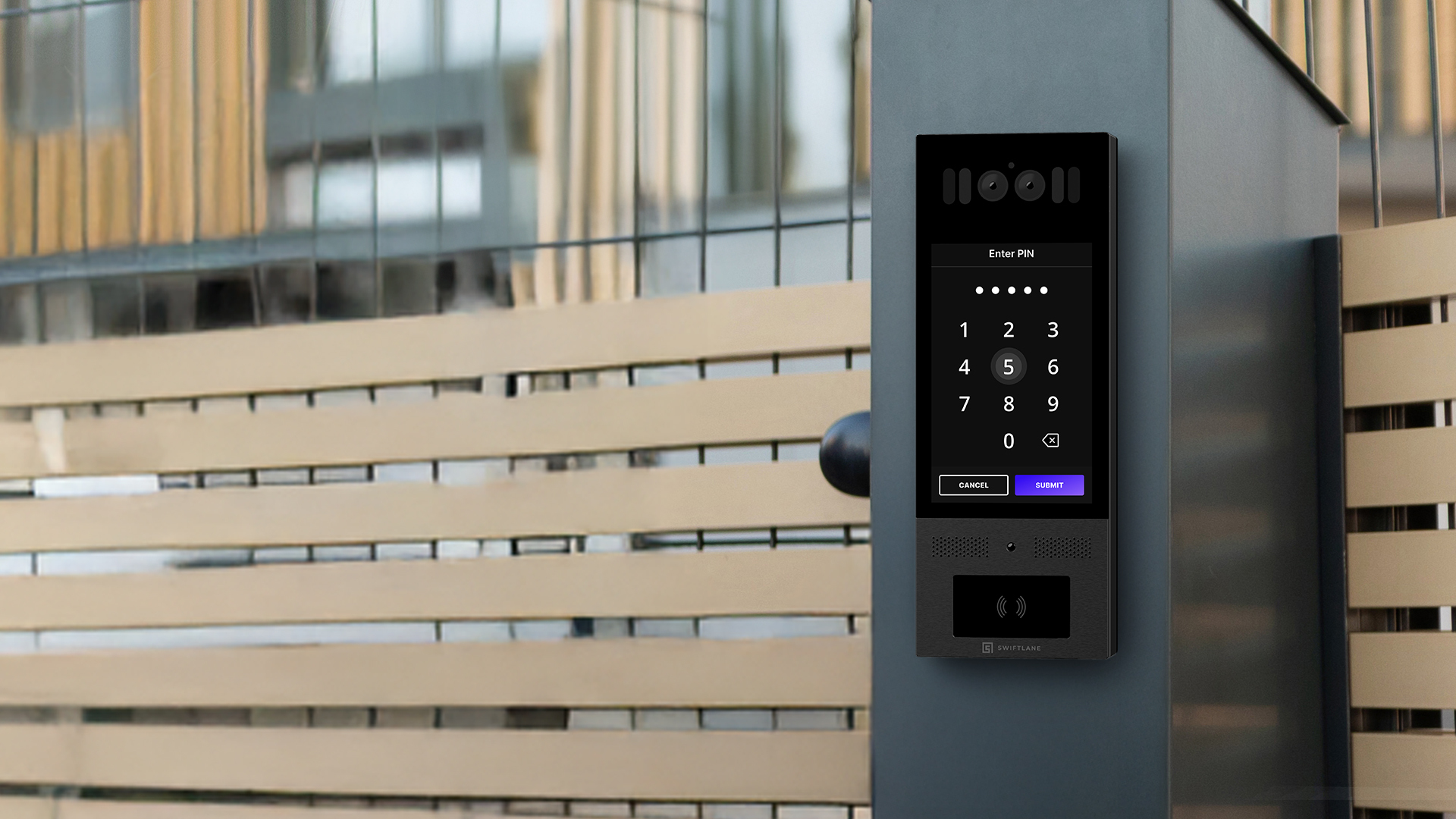
A video intercom system lets a visitor at an entrance place a two-way audio and video call to a resident or staff member, who can release the door remotely. Modern systems route calls over IP networks to smartphones, often alongside or instead of in-unit monitors.
This guide compares the four main system types, what each costs per door in 2026, how the parts fit together, and how to choose one for an office, apartment, or mixed-use building.
Key Takeaways
- A video intercom pairs an entry station with a phone, monitor, or desk station, plus a relay that releases the door lock.
- Most new installations are IP- or cloud-based. Analog systems still work where wiring exists, but offer little remote control.
- Entry hardware runs about $1,000 to $7,000 per entry, and most projects land between $2,000 and $50,000+ installed, with cloud software billed separately.
- Video intercoms and access control readers often share Power over Ethernet (PoE) switching and one cloud platform, but door locks are the exception: higher-draw locks, especially maglocks, often need a separate power supply.
Table of Contents
- Video Intercom System Types at a Glance
- 2026 Video Intercom System Pricing
- How Does a Video Intercom System Work?
- Types of Video Intercom Systems and Which One Fits Your Building
- Video Intercom System Components
- Video Intercom vs. Access Control
- Video Intercom vs. Video Doorbell: Key Differences
- What to Look for in a Video Intercom System
- Conclusion
- FAQs
Related Posts
- Best Video Intercom Systems for Multifamily and Commercial Buildings in 2026
- Smart Intercom vs Traditional Intercom: Key Differences and Buying Considerations
- Best Intercom Systems for 2026: Top Picks for Every Building Type
Video Intercom System Types at a Glance
Four architectures cover nearly every video intercom on the market. The biggest differences are how the entry station connects and where the call rings.
| Type | Primary connection | Answering endpoint | Video quality | Wiring required | Best suited for |
| Analog / 2-wire | Dedicated intercom wiring, often 2-wire | In-unit monitor or handset | Varies by model | Existing low-voltage runs to every unit | Small buildings keeping working wiring |
| IP / PoE | Ethernet to the building network, powered over PoE | Smartphone app, in-unit monitor, or desk/concierge station | Varies by model | Cat5e/Cat6 to each entry station; nothing to units if app-based | New construction, offices, multifamily, mixed-use |
| Cellular / Cloud | LTE/5G modem or building internet, managed in the cloud | Smartphone app; some ring a phone number as fallback | Varies by model | Power at the entry; no network cable for cellular units | Retrofits, gates, remote or scattered sites |
| Wireless | Wi-Fi | Wireless monitor or app | Varies by model | Power at each device | Single entries, small offices, short distances |
Many 2-wire systems sold today are digital buses rather than true analog, which is why some can be upgraded to IP without new cabling. Our 2-wire video intercom retrofit guide covers that path in depth. For specific product picks, see our roundup of the best video intercom systems.
2026 Video Intercom System Pricing
Based on Swiftlane’s published pricing, IP video intercom projects typically cost $2,000 to $50,000+ installed, and mid-size multifamily projects usually fall between $7,500 and $20,000. Entry hardware alone runs about $1,000 to $7,000 per entry, with cloud software billed separately. Entry count, existing infrastructure, and retrofit work usually decide where a project lands.
These are planning figures. Labor in dense metros such as New York City can run well above them, so treat the ranges as a starting budget, not a quote.
Per-door cost breakdown
| Line item | Typical 2026 cost | What drives it |
| Door station | $1,000 to $7,000 per entry (hardware only) | Camera, directory size, touchscreen, vandal and weather rating. Keypads, readers, and multi-entry configurations add to it. Source: Swiftlane, IP Intercom System Pricing (Aug 2026) |
| Indoor monitor (optional) | Adds a per-unit hardware and installation cost; varies by model | Skipped entirely when residents or staff answer on their phones. |
| Door release hardware | About $250 to $800 per door for an installed electric strike (New York City pricing) | Electric strike or maglock, lock power supply, and door prep. Parts and labor; maglocks, controllers, and older doors can push it higher. Source: Vertex Security, Cost of Intercom Upgrades in NYC (2026) |
| PoE switch or injector | Varies with port count and total PoE budget; usually a shared per-project cost | One PoE or PoE+ port per station; a single switch is usually shared across doors. |
| Installation labor | About $1,000 to $2,000 per door with network in place; more when new cable must be pulled | Cable runs, wall or masonry type, door hardware condition, and commissioning. Source: Swiftlane, IP Intercom System Pricing (Aug 2026) |
| Network, configuration, and setup | $1,000 to $4,000 per project | Directory setup, testing, and staff training. Source: Swiftlane, Apartment Intercom Installation Cost (Aug 2026) |
| Cloud software | $30 to $100 per door per month, or $5 to $15 per unit per month | Pricing model (per door vs. per unit) and feature tier. Source: Swiftlane, Apartment Intercom Installation Cost (Aug 2026) |
Turnkey project estimates
| Project | Typical scope | Hardware + installation |
| Small building | 1 entrance, basic video intercom, existing network | $2,000 to $7,500 |
| Mid-size multifamily | 1 to 3 entrances, access control integration, some retrofit work | $7,500 to $20,000 |
| Commercial office or multi-tenant | Multiple entrances, security desk, visitor management | $10,000 to $50,000+ |
| Large multifamily or mixed-use | Multiple entrances, garage, amenities, elevator integration | $20,000 to $50,000+ |
Source: Swiftlane, IP Intercom System Pricing (Aug 2026). Planning ranges, not quotes. Cloud software is extra: $30 to $100 per door per month, or $5 to $15 per unit per month.
Three factors move a project most:
- Cabling. Reusing existing wire or network drops keeps labor near the low end. Pulling new Cat6 through masonry pushes it up fast.
- Door hardware. Old or mismatched strikes and maglocks often need replacing before the intercom can release them.
- In-unit hardware. App-based answering removes the per-unit monitor cost, which matters most in larger buildings.
For line-by-line scenarios, see our IP intercom system pricing guide and apartment intercom installation cost breakdown.
How Does a Video Intercom System Work?
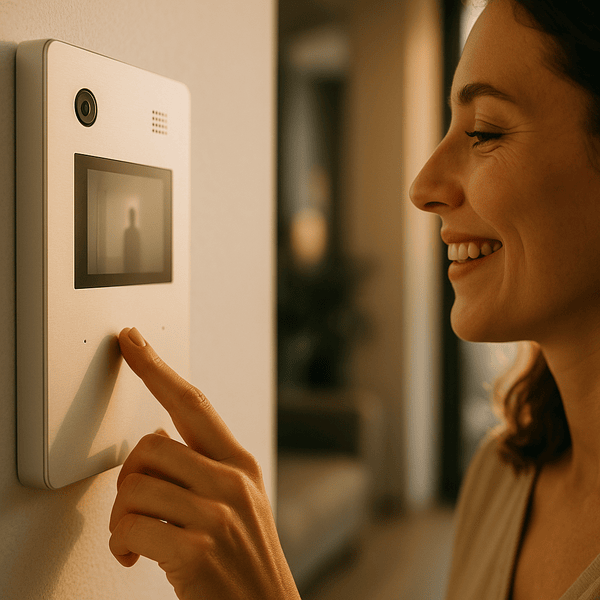
A video intercom system connects a camera, microphone, and speaker at the entrance to the person who can let a visitor in. Every call follows the same basic path:
- A visitor presses a call button or picks a name from the directory.
- The entry station turns on its camera and microphone.
- The call travels over the building’s intercom wiring, network, or a cellular link.
- The recipient answers on an in-unit monitor, a desk station, or a smartphone app.
- Both sides talk while the recipient watches live video.
- If the recipient approves, they trigger the door release, and the electric strike, maglock, or access control system unlocks the door.
In analog systems, the signal stays on dedicated wiring between the entrance and each unit. In IP systems, it travels over Ethernet or Wi-Fi, and a cloud service can extend calls, logs, and mobile access control to staff who aren’t on site.
The hardware is only part of reliability. Network quality, power, camera placement, lighting, and lock compatibility all shape daily performance. In Swiftlane’s deployments across 3,000+ buildings, the most common source of trouble is the handoff between the intercom and the door hardware, not the camera.
Beyond the basic call, modern systems often add visitor directories, call forwarding, audit logs, delivery codes, and remote credential management.
Types of Video Intercom Systems and Which One Fits Your Building
The right architecture depends less on features than on what’s already in the walls. Building age, existing wiring, network access, and how many sites you manage usually decide it.
Analog and 2-Wire Video Intercoms
Analog systems carry audio and video over dedicated intercom wiring, often two-wire, between the entrance and each unit. They run on closed circuits, so they keep working without internet and need little networking know-how.
The tradeoff is reach. Mobile access and centralized management are limited, and extending old wiring to add units can make a retrofit substantially more expensive.
Makes sense when: the wiring works, the building is small, and staff doesn’t need to answer calls off-site.
Cost to get there: lowest upfront if the existing system can be repaired. Replacing in-unit stations adds a per-unit cost that grows with building size.
IP (PoE) Video Intercoms
IP systems send audio and video over Ethernet or Wi-Fi. Most entry stations draw power over the same Ethernet cable through Power over Ethernet (PoE), so one cable handles both data and power.
IP unlocks HD video, central management, remote software updates, and app-based answering. Adding a door or a building rarely means replacing the system. The tradeoff is infrastructure: the network needs bandwidth planning, security practices, and PoE-capable switching.
Makes sense when: the building has, or can get, a network drop at each entrance. That covers most new construction, office intercom projects, and multifamily buildings planning for growth.
Cost to get there: the full per-door range in the pricing table. Cable runs to each entry station are the biggest variable.
Cellular and Cloud Video Intercoms
“Cloud” describes how a system is managed, not how it connects. A cloud-managed intercom stores users, logs, and settings online and can connect through the building’s internet, a built-in LTE/5G modem, or both.
Cellular units skip network cabling entirely, which makes them practical at gates, parking entrances, and older buildings where pulling cable would be costly or disruptive. Most cloud-based access control platforms also support mobile credentials, visitor logs, and management across scattered properties.
The trade-offs are carrier coverage, an ongoing data plan, and dependence on connectivity. Ask how the system behaves during an internet or cellular outage before you buy.
Makes sense when: there’s no practical network path to the entrance, or one team manages many small sites.
Cost to get there: labor drops because there’s no network cable to pull, but software and data costs recur every month.
Wireless Video Intercoms
Wireless systems replace some or all cabling with Wi-Fi. “Wireless” describes the connection, not a separate technology, and many wireless units are IP devices under the hood.
Installation is fast, but performance depends on signal. Concrete, steel, distance, and interference all degrade reliability in larger buildings, and battery-powered units need upkeep. See our comparison of wired vs. wireless intercom setups for a fuller breakdown.
Makes sense when: there’s a single entry, short distances, and no practical way to run cable.
Cost to get there: lowest labor of any type, but rarely the right fit for a multi-entry commercial or multifamily building.
Which Type Fits Your Building
| Building situation | Usually fits |
| Office or commercial building with an IT network | IP / PoE |
| Apartment building with working 2-wire and no budget to rewire | 2-wire-to-IP retrofit (see retrofit guide) |
| Mixed-use property with several tenant groups | IP / PoE with cloud management |
| Gate, parking entrance, or remote site with no network | Cellular / cloud |
| Single entry, short distance, light traffic | Wireless or a single IP station |
If you’re deciding whether to keep, repair, or replace an existing system, start with our guide to replacing an old intercom system. For apartment-specific comparisons, see the apartment video intercom buyer’s guide.
Video Intercom System Components
Every video intercom, whatever its type, is built from the same six parts.
Outdoor Door Station
The visitor-facing unit at the entrance. It holds the camera, microphone, speaker, and call button or directory. Look for night vision, wide dynamic range for backlit doorways, and a vandal- and weather-rated enclosure.
Indoor Monitor or Receiver
A fixed screen inside the unit or at a front desk, with an unlock button. Many systems now ring the monitor and authorized phones at the same time, and some forward unanswered calls to another device or to building staff.
Mobile Application
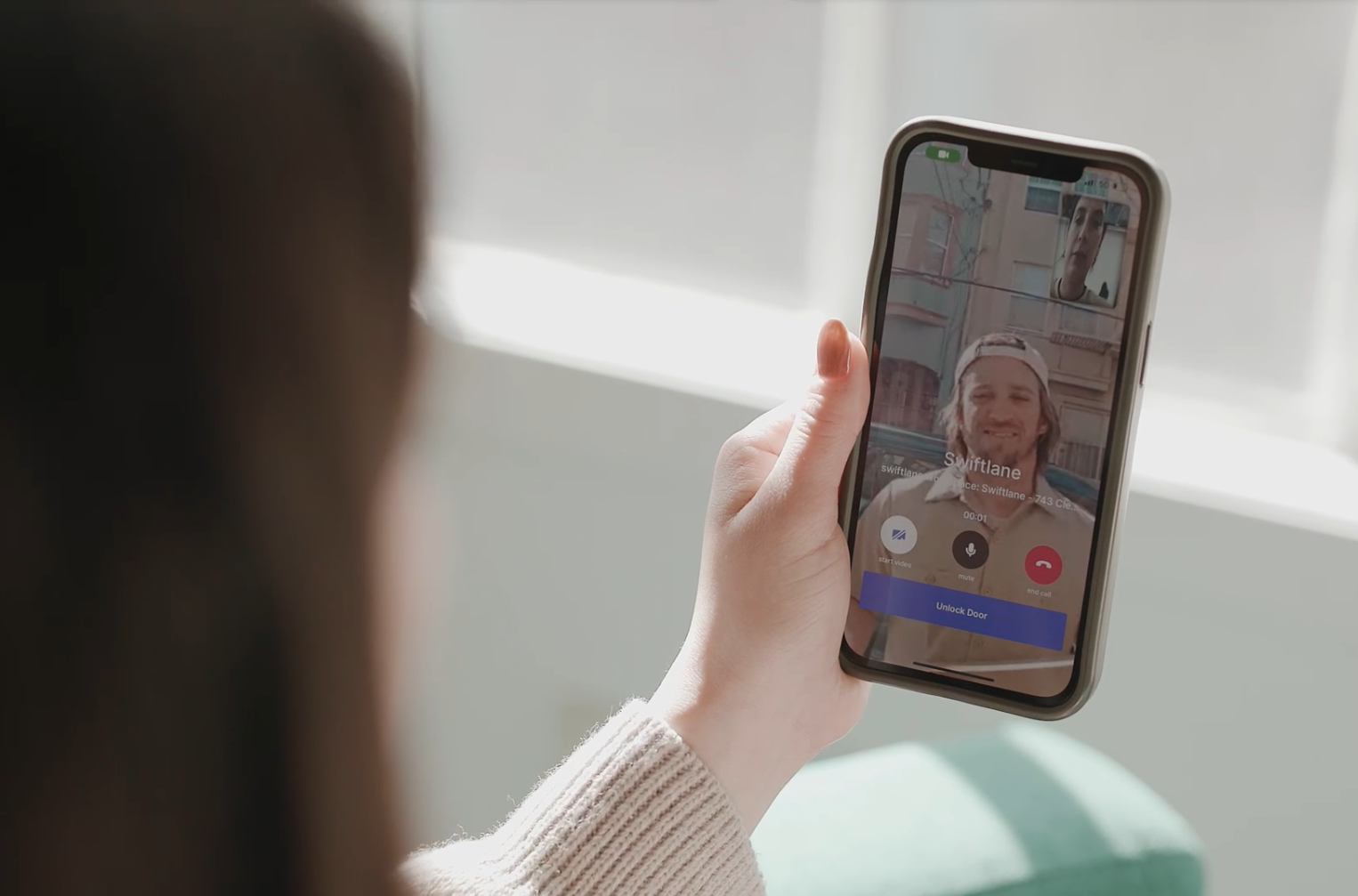
The app lets residents and staff answer calls, see live video, and unlock the door from anywhere with a data connection. It usually works alongside the indoor monitor rather than replacing a separate channel, so a missed call at home can be answered from a phone.
Door Release Relay
The intercom never unlocks a door by itself. It closes a relay that tells the electric strike, maglock, or door controller to release, so relay and lock compatibility is essential.
Network Switch or PoE Injector
In IP systems, a PoE switch or injector carries both data and power to the entry station over one cable, which cuts the number of separate power supplies at the door.
Cloud Management Dashboard
For multi-entry or multi-site properties, a dashboard handles users, permissions, audit logs, remote diagnostics, and software updates. The Security Industry Association describes modern intercom, video, and access control as parts of one integrated platform rather than stand-alone devices.
How Property Managers Use Video Intercoms Across Multiple Buildings
In large portfolios, the video intercom works less as a door device and more as a remote front desk. With IP and cloud systems, entry calls route to a staff phone or dashboard, so one team can verify and admit visitors, vendors, and locked-out residents at buildings they aren’t standing in. That changes daily operations in three ways.
Fewer site visits. Staff let in maintenance crews and deliveries remotely instead of driving between properties.
Faster incident review. When a tenant reports repeated buzzing or an unknown visitor, staff can check live video right away.
Less manual admin. In more advanced systems, resident access syncs with the property management database, so permissions update at move-in and move-out. See how one operator manages entry across properties.
Video Intercom vs. Access Control
A video intercom handles people who don’t have a credential: visitors, couriers, and guests. An access control system handles people who do: residents, employees, and vendors with fobs, cards, PINs, or phones. Most modern buildings need both, and the best setups run them as one system.
Shared PoE Infrastructure
IP entry stations, and many IP readers and door controllers, can run on the same PoE switches. That means one network closet and one backup power source for the whole entry system. Not every access control device runs on PoE, though. Some readers wire to a door controller rather than the network, so confirm how each device is powered before sizing the switch.
When planning the switch, check each device’s PoE class against the switch’s total power budget:
| Standard | Max power at switch port | Guaranteed power at device |
| IEEE 802.3af (PoE) | 15.4 W | 12.95 W |
| IEEE 802.3at (PoE+) | 30 W | 25.5 W |
| IEEE 802.3bt Type 3 | 60 W | 51 W |
| IEEE 802.3bt Type 4 | 90 W | 71 W |
Source: Aginode (Nexans), PoE white paper, 2024.
Locks are the exception. Electric strikes and maglocks usually run on 12 or 24 VDC. Some door controllers can supply that power directly, but higher-draw locks, especially maglocks, often need a separate lock power supply (Kintronics). Whether a door locks or unlocks when power fails is set by the door’s fire and life-safety requirements, so that decision belongs to the door hardware design, not the intercom.
Shared Cloud Platform
When the intercom and access control share one cloud-based access control platform, a single directory drives both. Adding a resident gives them an intercom listing and a door credential at once, and removing them revokes both. Entry logs from calls, credentials, and visitor codes land in one audit trail.
Unified Credential and Call Flow
In a unified system, the same entry station can take an intercom call, read a credential, or accept a visitor PIN. Residents unlock the door with mobile access control or commercial key fob entry systems, and visitors call in. Some platforms extend the same credentials to garages, amenities, and elevator access control.
Video Intercom vs. Video Doorbell: Key Differences
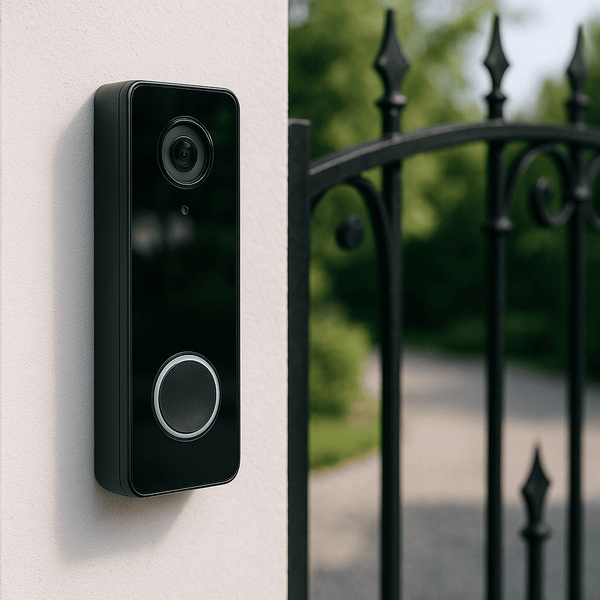
Both have a camera and two-way audio, but they solve different problems. A video doorbell serves one household’s front door. A video intercom serves a shared building.
| Feature | Video intercom | Video doorbell |
| Primary use | Multifamily and commercial buildings | Single-family homes |
| Door release | Built in | Often unavailable or limited |
| Number of users | Many tenants or staff | One household |
| Management | Central administration | Consumer app |
| Typical deployment | Apartments, offices, mixed-use | Residential front doors |
A video doorbell alerts a homeowner when someone arrives and focuses on convenience and package monitoring. A video intercom routes each call to the right resident, tenant, or front desk and connects to electronic door hardware, which makes it a fit for apartments, office buildings, and other shared facilities.
Scale is the other gap. Commercial and multifamily operators need audit logs, central permissions, visitor management, and access control integration, which consumer doorbells don’t offer.
What to Look for in a Video Intercom System
Camera specs are the easy part. These seven criteria decide whether a system still fits in five years.
Video Quality
Look for at least 1080p resolution, solid low-light performance, night vision, and a lens wide enough to capture visitors standing close to the panel. Clear identification matters most at night, during deliveries, and at backlit entrances. For IP systems, ask whether video follows open standards so it can feed your existing camera system.
Access Methods
Most modern systems accept more than intercom calls. Common options include mobile credentials, PIN codes, key fobs, and facial recognition.
Each fits a different user. Phones suit daily residents and employees. Time-limited PINs suit guests, couriers, and contractors because they expire on their own. Fobs remain a useful backup where phones aren’t practical. Choosing a system that supports several methods lets you serve everyone without extra admin work.
Door Release Compatibility
Confirm the system works with your existing electric strikes, maglocks, smart locks, or door controllers. Across Swiftlane’s 3,000+ building deployments, door hardware integration is one of the most common causes of retrofit delays.
Scalability
A building with one entrance today may add doors, amenities, or neighboring properties later. A scalable system handles that without replacement. Look for multi-site management from one dashboard, flexible permissions, and APIs or integrations with access control and property management software (PMS). Ask whether the vendor caps the number of doors or users.
Integration Capabilities
For mid-size and large operators, the intercom should connect to access control, visitor management, credential databases, and the PMS. Planning those integrations now avoids a costly migration later.
Installation Approach
Some products are built for retrofits that reuse existing wiring; others assume new construction with network and power planned in. If you’re adding a video intercom to an existing building, confirm early whether the system can reuse 2-wire runs, existing network drops, or cellular, because that answer drives most of the installation cost. Our 2-wire video intercom retrofit guide covers the no-rewire path in depth.
Accessibility and Compliance
Check applicable accessibility requirements and building codes for station mounting height, controls, and communication methods. Installation practices for premises security systems are covered by NFPA 731.
For interoperability with readers and controllers, ask whether the system supports the Security Industry Association’s OSDP standard for secure device communication. Planning for compliance during procurement is far easier than retrofitting after installation.
If you’re ready to compare specific products, see our apartment video intercom buyer’s guide or our roundup of the best video intercom systems.
Conclusion
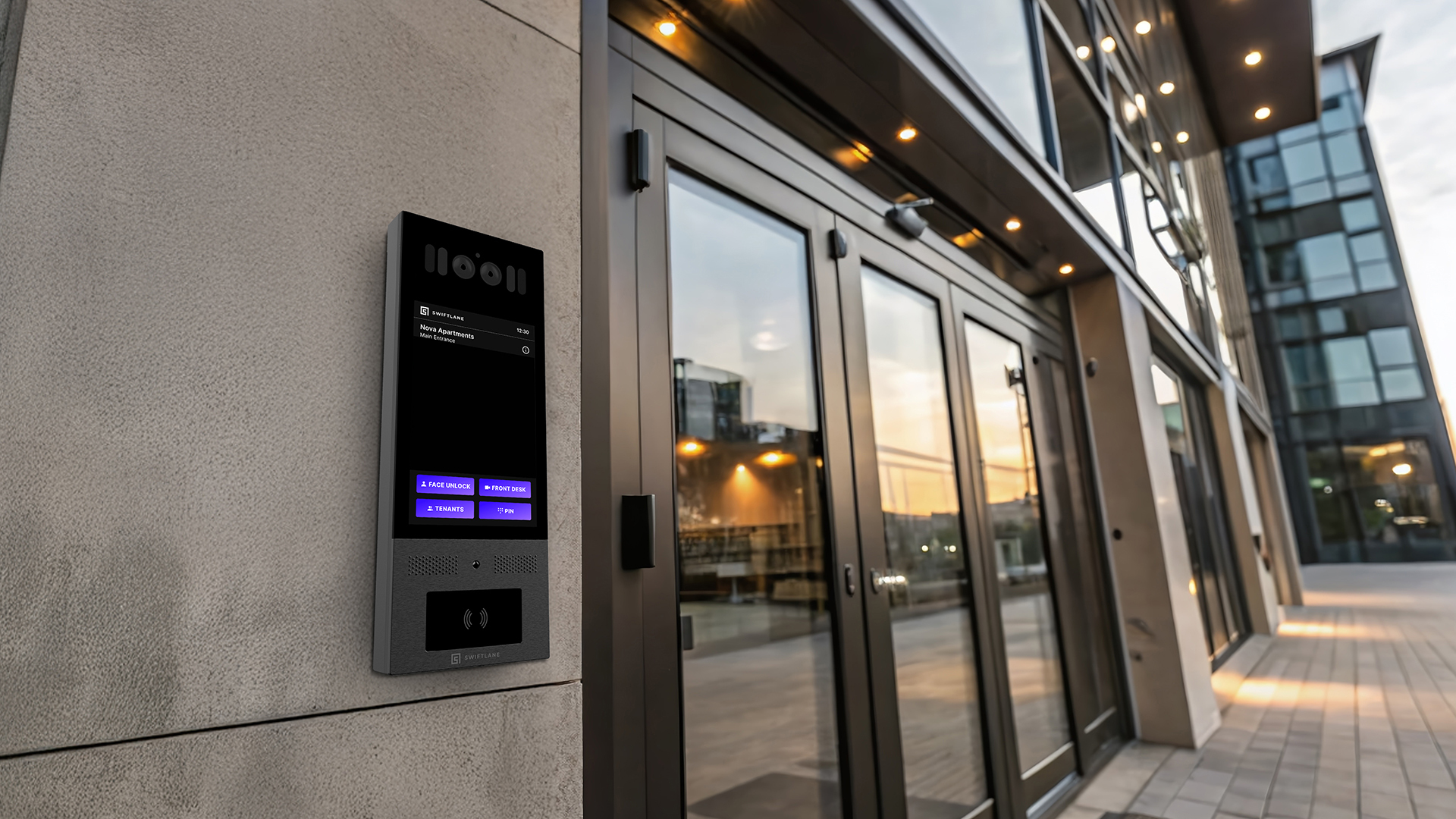
The right video intercom depends on your building’s wiring, network access, and how your team handles entry. Start with the architecture that fits what’s already in the walls, budget per door, and choose a platform that can share infrastructure and credentials with your access control. For apartment-specific comparisons, see our apartment video intercom buyer’s guide.
See Swiftlane Video Intercom · Request a Demo
How We Researched This Guide
This guide draws on industry standards, manufacturer technical documentation, published installer pricing, and Swiftlane’s own pricing guides. It also reflects practical lessons from Swiftlane’s deployments across 3,000+ buildings, including retrofit, networking, and door hardware challenges that property and facilities teams run into.
FAQs
How does a video intercom work?
A video intercom captures audio and video at the entrance and sends the call to an indoor monitor or smartphone. The person answering can talk with the visitor, see them on live video, and release the door remotely.
How much does a video intercom system cost per door in 2026?
Entry hardware typically runs about $1,000 to $7,000 per entry, and installation labor about $1,000 to $2,000 per entrance when suitable network infrastructure is already in place. New cabling, door hardware changes, and integrations add to both. Cloud software typically adds $30 to $100 per door per month, or $5 to $15 per unit per month.
What’s the difference between a video intercom and a video doorbell?
A video doorbell notifies one household at a single front door. A video intercom serves a shared building, routes calls to specific residents or staff, and connects to electronic door hardware and access control.
Can a video intercom system work without internet?
Yes, with limits. Analog systems and locally networked IP systems can place calls and release doors without internet. Cloud features such as app answering, remote management, and off-site alerts need a connection, so ask how the system behaves during an outage.
Do video intercoms and access control readers share the same PoE infrastructure?
Often, yes. IP entry stations and many IP readers and controllers can run on the same PoE switch, as long as its total power budget covers every device. Door locks are the exception: electric strikes and maglocks usually run on 12 or 24 VDC. Some door controllers can supply that power directly, but higher-draw locks, especially maglocks, often need a separate lock power supply.
Which video intercom system is best for a commercial office building?
For most offices, an IP/PoE system with cloud management fits best. Look for a desk or concierge answering station plus mobile answering, integration with your access control system, multi-door management, and audit logs. For specific product picks, see our roundup of the best video intercom systems.
Can I add a video intercom to an existing building without rewiring?
Often, yes. Some IP systems run over existing 2-wire runs through adapters, and cellular units need only power at the entrance. Compatibility depends on the condition of your wiring and door hardware, so have it assessed first. See our 2-wire video intercom retrofit guide.
How many units can one video intercom system support?
It depends on the architecture. Cloud-managed IP platforms can support many entrances and thousands of users across multiple buildings, while simpler analog or wireless systems may top out at a handful of units. Ask each vendor for its door and user limits in writing.
Do video intercom calls work when the resident isn’t home?
On systems with app answering, yes. The call rings the resident’s phone wherever they have a data connection, and they can see the visitor and release the door remotely. Many systems can also forward unanswered calls to another person or to building staff.


