

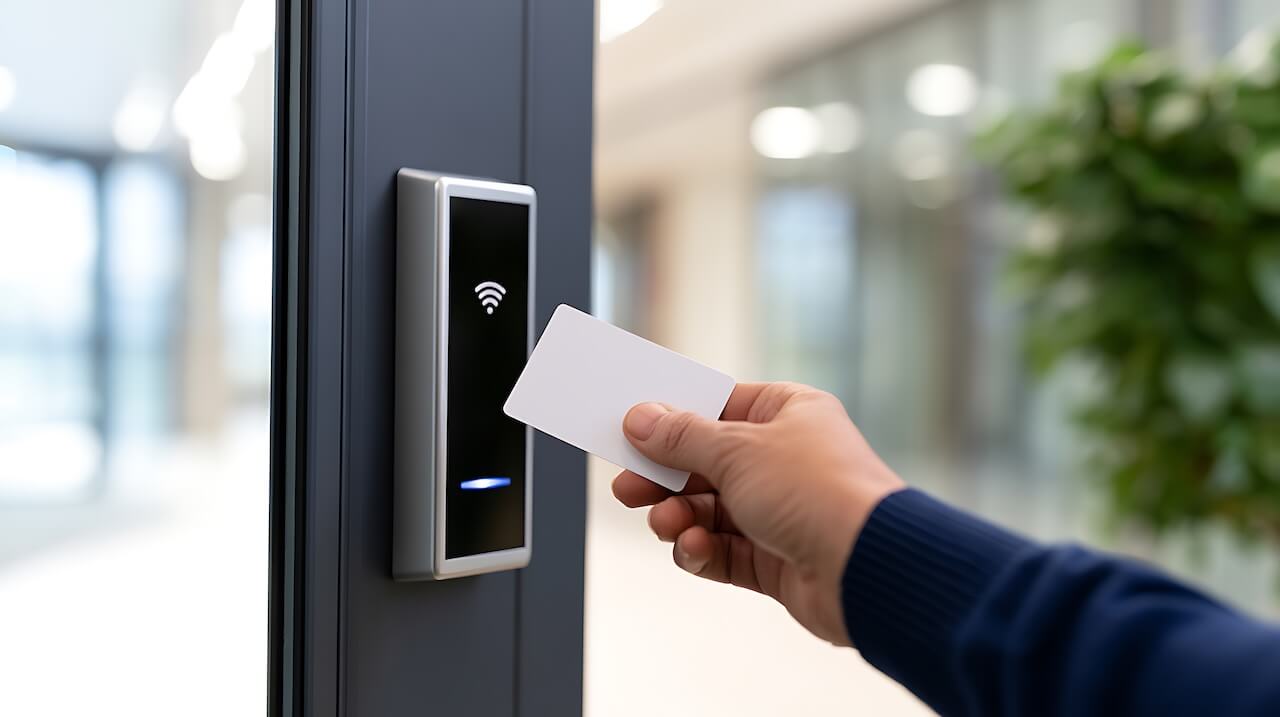
An apartment smart lock system is a set of keyless unit door locks that property staff manage from one central dashboard. Residents open their doors with a phone, PIN, fob, or card, and managers can remotely issue or revoke access, reducing the need for physical keys and rekeying between residents.
How We Evaluated This Guide
This guide draws on manufacturer data sheets and product documentation, ANSI/BHMA
Certification listings, and the criteria property managers weigh when selecting unit locks:
- Door compatibility
- Credential options
- Connectivity
- Security grade
- Fire-door listing
- Integration with access control and property management software
We did not conduct hands-on testing. Specifications change, so confirm current details with each manufacturer before purchasing.
Key Takeaways
- Multifamily smart locks differ from consumer smart locks mainly in how they’re managed: central control, separate access for residents, staff, and vendors, and audit logs across every unit.
- Form factor follows the door. Deadbolts suit most retrofits, mortise locks suit new construction, and interconnected locks fit units that require single-motion egress.
- Connectivity should match the building. Wi-Fi locks update in real time where coverage reaches unit doors, while Bluetooth locks sync through residents’ phones where it doesn’t.
- Fire-rated unit doors may need listed hardware to keep their rating, and egress requirements vary by jurisdiction. Confirm lock selections with the local AHJ.
- Unit locks deliver the most value when they run on the same platform as building entry, elevators, and property management software.
Table of Contents
- What Is an Apartment Smart Lock System?
- Consumer Smart Locks vs. Multifamily Smart Locks
- Types of Apartment Smart Locks
- How Apartment Smart Locks Connect
- Fire Ratings, Egress, and Code Considerations
- Security Grades and Data Protection
- Best Smart Locks for Apartment Buildings
- How to Choose Smart Locks for an Apartment Building
- Planning a Deployment: Retrofit vs. New Construction
- Risks and Concerns to Address Before Buying
- Connecting Unit Smart Locks to Building-Wide Access
- FAQs
What Is an Apartment Smart Lock System?
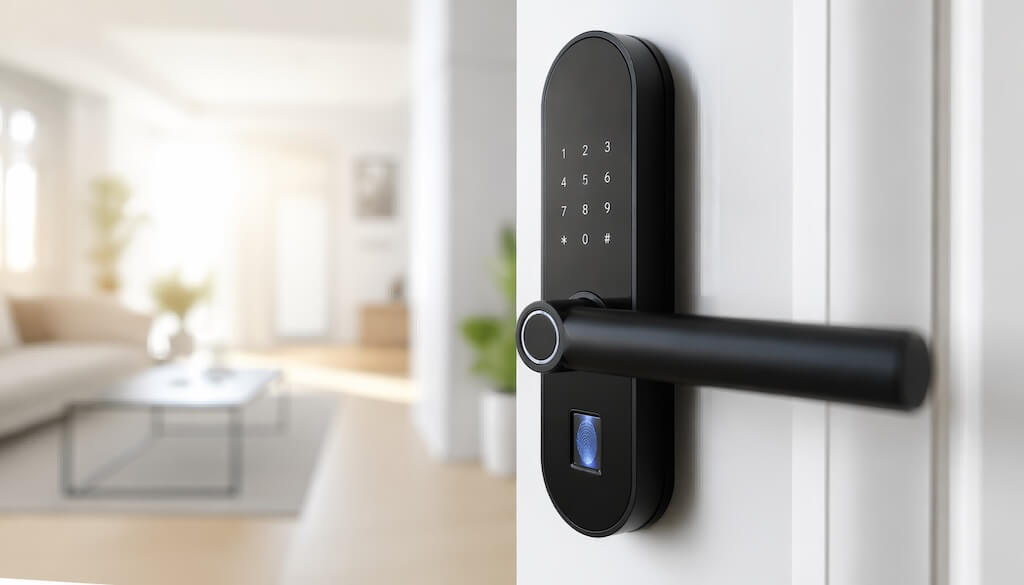
An apartment smart lock system replaces mechanical keys on unit entry doors with electronic locks that property staff manage centrally. Instead of cutting keys and rekeying cylinders, managers assign, schedule, and revoke access from a dashboard or app.
Most systems have three parts:
- The lock. An electronic deadbolt, cylindrical, interconnected, or mortise lockset on each unit door. Some retrofit onto existing hardware; others replace it entirely.
- Credentials. What residents and staff use to unlock: a mobile app, a PIN, a key fob or card, and on some models, a backup mechanical key.
- Management software. The platform where staff add residents and grant temporary access to vendors or maintenance, and review entry logs. Many systems also connect it to building entry and property management software.
The result is unit access that changes as quickly as occupancy does. A new resident can receive credentials on move-in day, and a departing resident’s access can be revoked without a locksmith visit. A vendor can get a code that works only during a scheduled window.
Consumer Smart Locks vs. Multifamily Smart Locks
Consumer smart locks are built for one household managing one door. Multifamily smart locks are built for a property team managing hundreds of doors, residents, and service providers at once. The hardware can look similar. The bigger difference is how they manage access.
| Consumer smart locks | Multifamily smart locks | |
| Who manages access | The resident, through the manufacturer’s app | Property staff, through a central dashboard |
| Scale | One or a few doors per account | Every unit across a property or portfolio |
| Access roles | Household members and guests | Residents, staff, maintenance, vendors, and guests, each with separate permissions |
| Audit trail | Activity feed for one door | Entry logs across all units, searchable by staff |
| Resident turnover | Codes reset manually by the owner | Credentials issued and revoked with move-ins and move-outs |
| Integrations | Smart home platforms and voice assistants | Building access control, intercoms, and property management software |
| Fire-rated doors | Listings vary by model | Many commercial lines offer fire-door listings; confirm per model |
A consumer lock on a single unit isn’t the problem. The problem is scale. When each unit runs on its own app and account, staff can’t see or change access across the property, and every turnover means resetting locks one by one.
That’s why properties typically take one of two paths. Some choose locks built specifically for multifamily. Others connect proven residential hardware to a platform that manages every unit centrally.
Types of Apartment Smart Locks
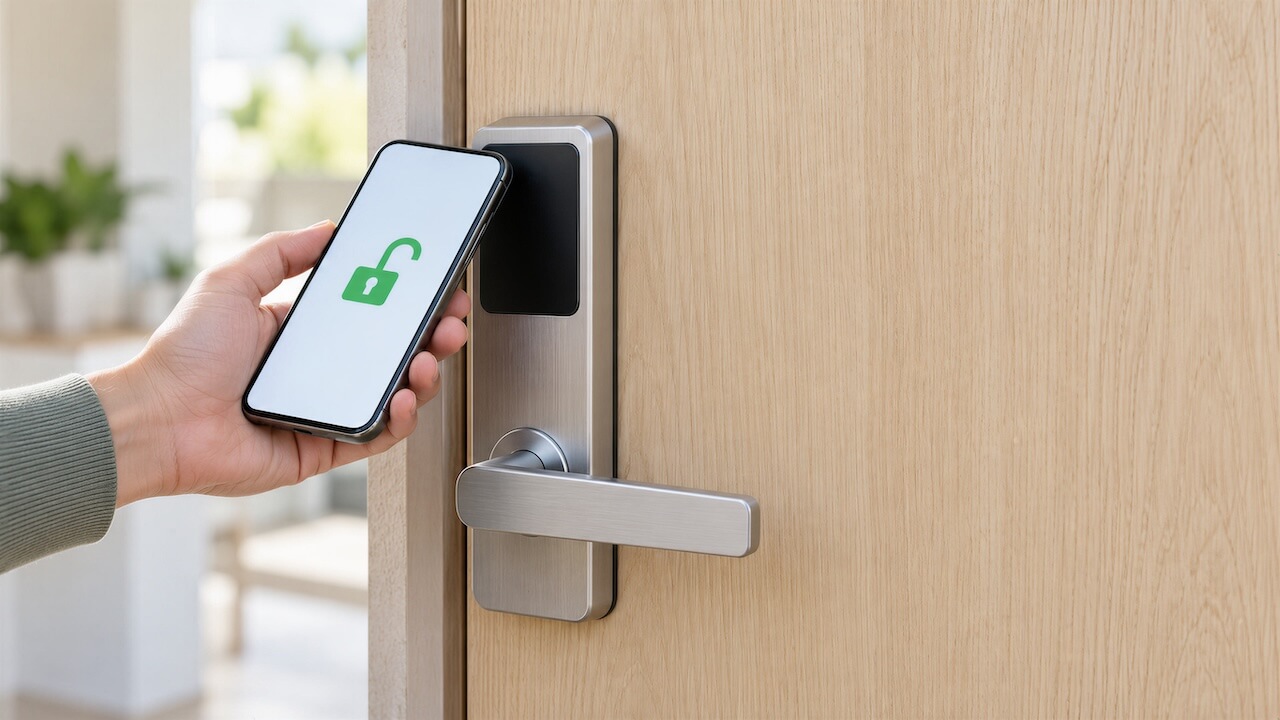
Apartment smart locks come in four main form factors. The right one depends on the existing door prep, whether the building is a retrofit or new construction, and local egress requirements.
Deadbolt
An electronic deadbolt mounts in a standard deadbolt bore and works alongside the door’s existing latch and handle. It’s the most common choice for retrofits because it usually fits existing doors without new cutting.
Cylindrical or Lever
A cylindrical lockset combines the latch and lever handle in one unit, with the electronics built into the lever trim. It suits doors without a separate deadbolt. Levers are also easier to operate than knobs for people with limited grip strength.
Interconnected
An interconnected lock links the latch and deadbolt so that one turn of the interior lever retracts both at once. If local codes require single-motion egress on dwelling unit doors, consider this format. Requirements vary by jurisdiction, so confirm them with the local AHJ.
Mortise
A mortise lock sits in a pocket cut into the door edge, combining the latch and deadbolt into one heavy-duty body. It’s common in new construction and high-rise buildings, where doors can be prepped for it from the start.
| Form factor | Door prep | Example model and ANSI/BHMA grade | Best fit |
| Deadbolt | Standard deadbolt bore | Schlage Control BE467F: A156.36 Grade 2 | Retrofits on existing unit doors |
| Cylindrical or lever | Standard cylindrical bore | Grades vary; confirm per model | Doors without a separate deadbolt |
| Interconnected | Linked latch and deadbolt bores | Schlage Control FE410F: A156.12 Grade 2 | Units where single-motion egress is required |
| Mortise | Pocket cut into the door edge | dormakaba Saffire LX-M: A156.13 Grade 1 | New construction and high-rise buildings |
Retrofit vs. full replacement
Some smart locks retrofit onto the interior side of an existing deadbolt. The exterior cylinder stays in place, so existing keys, including master keys, keep working. Full replacement swaps the entire lockset. Most multifamily-grade locks install this way, and on fire-rated doors the new hardware may need to be listed for that door. Check listings before ordering.
How Apartment Smart Locks Connect
How a lock connects determines how quickly access changes reach the door, what infrastructure the building needs, and how often batteries need attention. No option is best everywhere. The right choice depends on the building.
| Connection | Updates via | Requires | Battery draw | Best for |
| Wi-Fi | Building network, real-time | Wi-Fi at each door | Higher | Strong Wi-Fi coverage |
| Bluetooth with phone sync | Phones running the access app | Nothing extra | Lower | Weak or no Wi-Fi at doors |
| Z-Wave or Zigbee | Hub or gateway | Gateways near locks | Lower | Properties managing gateways |
| Offline or data-on-card | Credentials updated at online readers | Readers at entry points | Lower | Large, low-coverage properties |
| Hardwired | Cabling to the door | Power and data wiring | None | New construction |
Wi-Fi locks offer the most immediate control. A revoked credential or new access code takes effect right away, and staff see entry activity as it happens. The tradeoff is that the lock has to stay connected, which uses more battery power and depends on a consistent signal at the door.
Bluetooth locks with phone sync don’t need building Wi-Fi. Access changes and entry logs move between the lock and the cloud whenever someone with the access app comes within range. That makes them a practical option for older buildings, thick masonry walls, or properties where running Wi-Fi to every door isn’t feasible.
Gateway-based systems sit in between. Some multifamily locks, such as Schlage Control, support standalone, offline, and networked modes, with networked mode requiring a gateway.
Before choosing, it helps to answer three questions:
- How quickly do access changes need to take effect?
- Does Wi-Fi reliably reach every unit door?
- Who will monitor and replace batteries?
Fire Ratings, Egress, and Code Considerations
Unit entry doors that open onto shared corridors are often fire-rated assemblies. That affects which smart locks you can install and how you install them.
Fire-rated doors. A fire-rated door is tested and labeled as a complete assembly: the door, frame, and hardware together. Swapping the lockset can affect that rating, so fire-rated unit entry doors may need listed hardware to keep it. UL 10C is the positive-pressure fire test many of these listings reference, while the rating itself is measured in minutes or hours. For example, Dormakaba lists its Saffire LX series as meeting UL 10C on fire doors rated up to 3 hours.
Egress. Egress rules govern how easily occupants can get out in an emergency. Some jurisdictions require single-motion egress on dwelling unit doors, where one turn of the inside lever releases both the latch and the deadbolt. Others allow a separately operated deadbolt. Where single-motion egress applies, interconnected locks such as the Schlage Control FE410F are designed for it.
Working with the AHJ. Requirements vary by occupancy type, local code adoption, and local amendments. Before ordering, share the door schedule and hardware cut sheets with the local AHJ or fire marshal to confirm lock selections.
Security Grades and Data Protection
Smart locks need to hold up both physically and digitally.
Physical durability. BHMA grades locks through ANSI standards that test durability, strength, and security:
- Grade 1 is the highest level, typically specified for heavy-use commercial and institutional doors.
- Grade 2 suits heavy residential and light commercial use, which covers many multifamily unit doors.
- Grade 3 is the baseline for standard residential use.
Grades are certified per product and standard, so check the specific model’s data sheet rather than relying on a brand’s general reputation.
Data protection. A smart lock is also a connected device, so evaluate how it handles credentials and data:
- Encryption. Look for encrypted credentials and communications. For example, Schlage Control uses AES-256 encryption.
- Audit logs. Staff should be able to see who entered which unit and when, including maintenance and vendor entries.
- Fast revocation. Handle lost phones, lost fobs, and move-outs by revoking a credential, not replacing hardware.
Best Smart Locks for Apartment Buildings
These four locks cover the most common multifamily scenarios: purpose-built unit locks for new construction and full replacements, a smart deadbolt retrofit, and an interior retrofit that leaves existing hardware in place. Specs below come from manufacturer documentation and should be confirmed for the exact model before ordering.
| Lock | Formats | Credentials | Connectivity | ANSI/BHMA grade | Best for |
| Schlage Control | Deadbolt, interconnected | Smart card or fob, Bluetooth mobile | Standalone, offline, or networked via gateway | Grade 2 | Multifamily unit doors |
| dormakaba Saffire LX | Mortise, deadbolt, interconnect, cylindrical, panic | Mobile, fob, wristband, keycard | RFID and Bluetooth | Grade 1 (mortise) | New construction and high-rise |
| SALTO DBolt Touch | Deadbolt, interconnected | PIN, mobile, smart card | Wireless, cloud or on-premise | Confirm with SALTO | Deadbolt retrofits |
| August Wi-Fi Smart Lock | Interior retrofit | Mobile app, guest keys | Wi-Fi, Bluetooth | Uses existing deadbolt | Keeping exterior hardware unchanged |
Schlage Control (BE467F and FE410F)
Best for: Multifamily unit doors, including units that require single-motion egress.
Schlage Control was designed specifically for multifamily resident doors. It comes as a smart deadbolt (BE467F) and an interconnected lock (FE410F), both rated ANSI/BHMA Grade 2.
- Credentials: MIFARE smart cards and fobs, plus Bluetooth mobile credentials.
- Connectivity: Standalone, offline (No-Tour), or networked modes; networked mode requires a gateway.
- Integration: An open architecture lets properties choose their own access control or proptech provider.
- Consideration: Real-time remote management depends on installing and maintaining gateways.
dormakaba Saffire LX Series
Best for: New construction, high-rise buildings, and properties standardizing one lock family across many door types.
dormakaba designed the Saffire LX Series specifically for multihousing. It’s available in mortise, deadbolt, interconnect, cylindrical, and panic models, so one platform can cover unit doors and common areas.
- Credentials: Mobile, fob, wristband, or keycard.
- Connectivity: RFID with built-in Bluetooth Low Energy, managed through dormakaba Community software.
- Fire doors: Listed as meeting UL 10C for fire doors rated up to 3 hours.
- Consideration: Mortise models are best suited to doors prepped for them, which favors new construction over retrofits.
SALTO DBolt Touch
Best for: Upgrading existing mechanical deadbolts on multifamily unit doors.
The SALTO DBolt Touch is a retrofit smart deadbolt built for the multifamily market. It comes in two versions: a standard deadbolt and an interconnected model that retracts the latch and deadbolt in a single motion.
- Credentials: Touchscreen PIN, mobile app, MIFARE and DESFire smart credentials, and Apple Wallet when used with SALTO’s cloud platform.
- Connectivity: Works with SALTO’s cloud-based (Homelok) and on-premises (Space) management software.
- Consideration: Confirm the ANSI/BHMA grade and fire-door listing for the specific model with SALTO.
August Wi-Fi Smart Lock
Best for: Properties that need to keep existing exterior hardware and keys.
The August Wi-Fi Smart Lock attaches to an existing single-cylinder deadbolt on the inside of the door. The outside lock stays as-is, so existing keys, including master keys, keep working.
- Credentials: Mobile app and virtual guest keys; an optional keypad adds PIN entry.
- Connectivity: Built-in Wi-Fi with no bridge required, plus Bluetooth.
- Consideration: It’s designed around individual households, so property-wide management depends on the platform it’s connected to.
How to Choose Smart Locks for an Apartment Building
The right lock depends less on features and more on how the property runs day to day. These criteria cover the operational questions that matter most at scale.
- Resident turnover: Look for locks that issue and revoke credentials remotely, so a move-out never requires a locksmith visit, rekeying, or collecting physical keys.
- Staff and vendor access: Maintenance teams, cleaners, and contractors need access that can be limited by unit and time window, then revoked when the job is done. Every entry should appear in the audit log.
- Override access: Decide how staff and emergency personnel get in if a lock loses power or a resident is unreachable. Options include a mechanical master key, a digital override credential, or both.
- Property management software sync: Locks managed through a platform that syncs with the property management system can grant access at move-in and revoke it at move-out without manual entry.
- Battery monitoring: With dozens or hundreds of locks, low-battery alerts in a central dashboard matter more than battery life on any single unit. Ask how alerts are delivered and who receives them.
- Connectivity fit: Match the lock’s connection type to the building’s actual Wi-Fi coverage at unit doors, using the connectivity options above.
- Portfolio scale: For owners with multiple properties, one management platform across every site keeps permissions, reporting, and staff training consistent.
Planning a Deployment: Retrofit vs. New Construction
A retrofit works within the doors, frames, and wiring a building already has. New construction can specify door prep, fire ratings, and network infrastructure around the lock from the start. Either way, a smooth rollout follows the same four steps.
- Audit door hardware. Record each unit door’s existing lock type, backset, door thickness, and any mortise pockets, along with the fire label if there is one. This narrows which form factors fit without new cutting and flags doors that need listed hardware.
- Assess network coverage. Check whether Wi-Fi reliably reaches unit doors, especially in corridors with thick walls or older construction. The answer determines whether Wi-Fi locks, Bluetooth locks with phone sync, or gateway-based locks are the practical choice.
- Review life-safety requirements. Share the door schedule and hardware cut sheets with the local AHJ or fire marshal before ordering. Confirm egress and fire-door requirements for unit entry doors in that jurisdiction.
- Set up override access and staff training. Define how staff enter units during a lock or power failure, who holds override credentials or master keys, and how battery alerts are handled. Train staff before go-live so the first lockout isn’t the first time anyone follows the process.
For large properties, a pilot on one floor or building helps surface door fit, coverage, and workflow issues before a full rollout.
Planning a Deployment: Retrofit vs. New Construction
A smart lock rollout goes more smoothly when you settle door hardware, network, and code questions before ordering anything. Retrofits work within existing doors and infrastructure; new construction can specify door prep, wiring, and network coverage from the start.
- Audit the door hardware. Record each unit door’s existing lock type, bore or mortise prep, backset, door thickness, and any fire label. This determines whether a retrofit lock fits or a full replacement is needed.
- Assess the network. Check whether Wi-Fi reliably reaches each unit door. If it doesn’t, plan for Bluetooth sync locks or gateways instead of extending Wi-Fi coverage door by door.
- Review life-safety requirements. Share the door schedule and hardware cut sheets with the local AHJ or fire marshal. Confirm fire-door listings and any single-motion egress requirements before finalizing the lock model.
- Set override access and train staff. Establish how staff enters units during power loss or emergencies, who holds override credentials, and how to handle low-battery alerts. Train on-site teams before onboarding the first resident.
For new construction, these steps belong in the design phase. Specifying door prep and lock models early avoids costly field changes and keeps the door schedule aligned with AHJ approvals.
Risks and Concerns to Address Before Buying
Smart locks solve real problems, but they also introduce new ones. Raise these questions with any vendor before committing to a lock or platform.
- Data storage and protection. Where are access credentials and entry logs stored, how are they encrypted, and who can see them? Ask how long logs are kept and how access is removed when staff leaves.
- Reliability. What happens if the internet connection, gateway, or management platform goes down? Locks that store credentials locally can keep working offline, but confirm exactly what still functions.
- Battery alerts. How early does the system flag a low battery, and where do alerts go? Central alerts help maintenance replace batteries before they become lockouts.
- Emergency power. If batteries do run out, how does someone get in? Common options include external 9V jumpstart contacts, a mechanical key override, or both, depending on the model.
- Lead times. Hardware availability can affect move-in dates and construction schedules. Confirm lead times for the exact models and quantities needed, including any replacement stock.
- Support and replacement. Who handles a failed lock, how quickly, and is there spare inventory on site?
Connecting Unit Smart Locks to Building-Wide Access
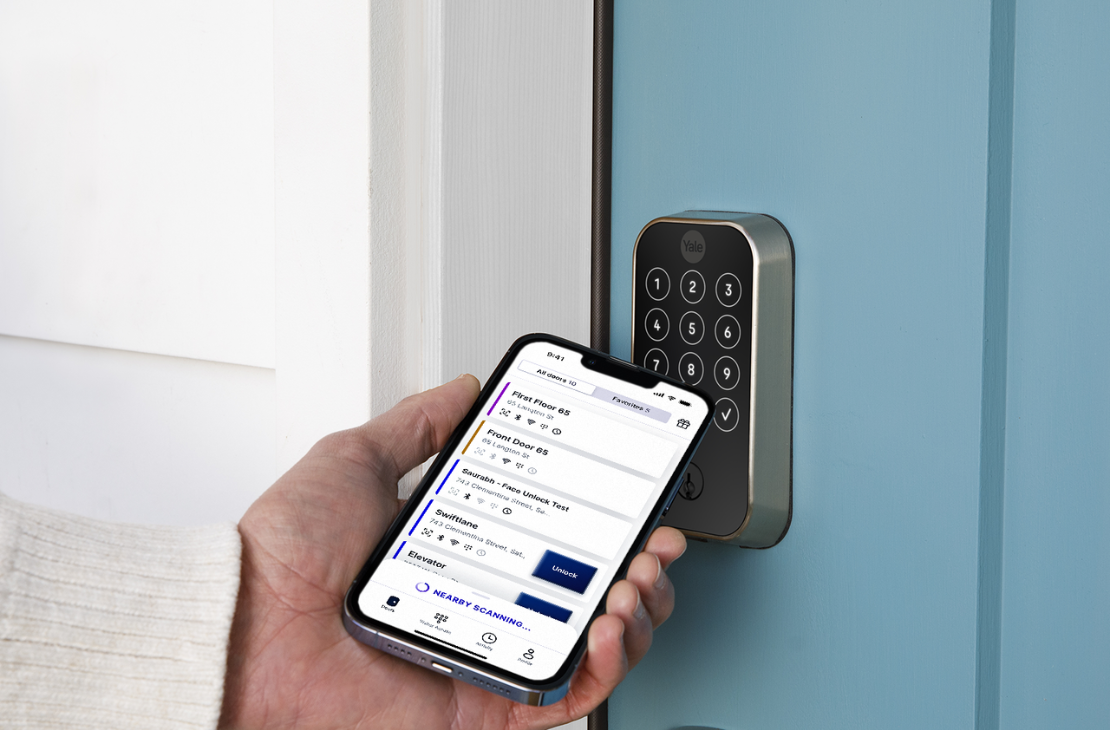
Even the right unit lock creates friction if it runs on its own system. When residents use one app for the front door and another for their apartment, staff end up managing two sets of credentials, two directories, and two audit logs.
Swiftlane Smart Locks put unit doors on the same platform as the rest of the building. One app covers video intercoms, keycards, garage and vehicle gate access, elevators, and unit doors. Property managers can grant or revoke permissions instantly, without rekeying or an on-site visit.
Swiftlane offers two lock options, matched to the building’s connectivity:
- Yale Assure Lock 2 (Wi-Fi). Syncs over Wi-Fi through a built-in antenna, for buildings with reliable coverage at unit doors.
- Igloohome (Bluetooth). Syncs with Swiftlane’s cloud whenever someone with the Swiftlane app comes near the lock, so it works in buildings without building-wide Wi-Fi.
Two other capabilities extend this further:
- Offline resilience at building entry. The Swiftlane Access Control Unit stores credentials locally, so entry points keep working if the network goes down.
- Property management software sync. Swiftlane integrates with RealPage, Yardi, Entrata, AppFolio, and Buildium. Resident move-ins, move-outs, and unit access permissions update automatically, without manual entry.
The result is one credential and one directory, from the building entrance to the apartment door.
Explore Swiftlane Smart Locks or request a quote.
FAQs
Are smart locks allowed on fire-rated apartment doors?
Often, yes. Fire-rated unit entry doors may need hardware listed for the door’s rating to keep that rating. Check the fire-door listing for the specific model, and confirm the selection with the local AHJ or fire marshal before installing.
Do apartment smart locks need building Wi-Fi?
It depends on the lock. Wi-Fi locks need reliable coverage at each unit door and real-time updates. Bluetooth locks can sync through a nearby phone running the access app, so they work without building Wi-Fi. Gateway-based locks need network access only at each gateway.
What happens if a smart lock battery dies?
Most smart locks send low-battery alerts before the battery dies. If batteries do die, many models offer a backup: external 9V jumpstart contacts, a mechanical key override, or both. Check which option a specific model includes before choosing it.
How do staff and maintenance get into units?
Property managers can issue staff and vendor credentials limited to specific units and time windows, then revoke them when the work is done. The audit log records entries, so the property can see who entered which unit and when.
Can property managers override a smart lock?
Yes. Depending on the system, managers can override a lock with a digital admin credential, a mechanical master key, or both. Set an override protocol before rollout, so staff know who can enter a unit in an emergency and how.
Can smart locks sync with property management software?
Yes, when the locks are managed through an access platform that integrates with the property management system. Move-ins can automatically trigger new credentials, and move-outs can revoke access without manual entry. Swiftlane, for example, integrates with RealPage, Yardi, Entrata, AppFolio, and Buildium.
Do smart locks eliminate rekeying between residents?
Largely, yes. Credentials are revoked digitally at move-out and new ones are issued at move-in, so there’s no cylinder to rekey. Locks with a mechanical key override still need key control, so track any physical keys that remain in use.


