

Resident Key in Apple Wallet
With resident key in Apple Wallet, tenants and guests can access their residence using just their iPhone or Apple Watch—from their apartment to elevators and common areas. Residents just need to hold their iPhone or Apple Watch near the reader to unlock. It’s easy, convenient, and private.

Tap. Unlock. Done. With Just Your iPhone
With Express Mode, you don’t need to wake your iPhone or Apple Watch or open any apps to use resident key in Apple Wallet. Just tap your device on the reader to unlock.

Set Up in Seconds
From the Swiftlane app, add resident key to Apple Wallet on your iPhone or Apple watch for easy access to your building.

Tap to Unlock Even When Your iPhone Needs a Charge
If your iPhone needs a charge, resident key in Apple Wallet will still work. Power Reserve provides up to five hours of access, so you can still unlock your Swiftlane doors with Apple Wallet.

Property Managers - Reduce Access Friction and Support Requests
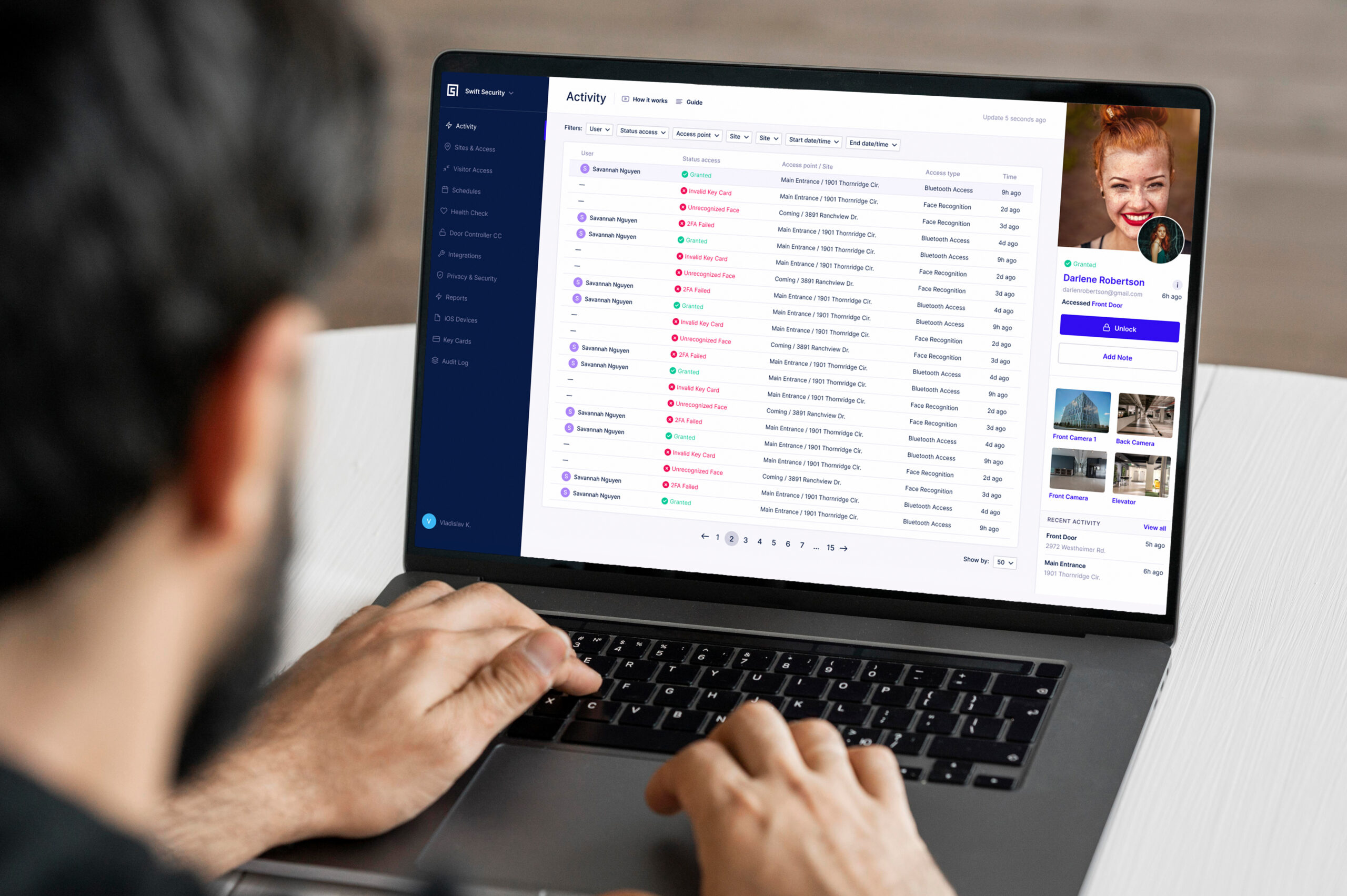
Manage access in Swiftlane while offering resident key in Apple Wallet, so you stay in control without adding work.
Issue credentials to residents, staff, and approved users.
Eliminate physical credentials and reduce access control burdens.
Centralized control from the Swiftlane dashboard.
Works alongside your existing Swiftlane access options.
Benefits of Apple Wallet Access
Extra security. Built right in.
Share a copy of your key, in just a few steps.
Even without a charge, your iPhone still gets you in.
Your resident key. Protected by Lost Mode.
Access, instantly. All on your iPhone.
Your key, now with less key.
FAQs
Resident key in Apple Wallet lets residents add their Swiftlane credential to Apple Wallet and unlock supported entries with a simple tap using iPhone or Apple Watch.
No. With resident key in Apple Wallet, residents can unlock with a tap from iPhone or Apple Watch—no app searching required.
Yes. Resident key in Apple Wallet works alongside your existing Swiftlane access options so you can support different resident preferences and use cases.
Yes. When you revoke access in Swiftlane, the resident’s building access is removed, helping you keep access up to date.
Upgrade your property with resident key in Apple Wallet
Submit your details to learn how secure, keyless, tap-to-unlock entry can transform your building’s access experience.


